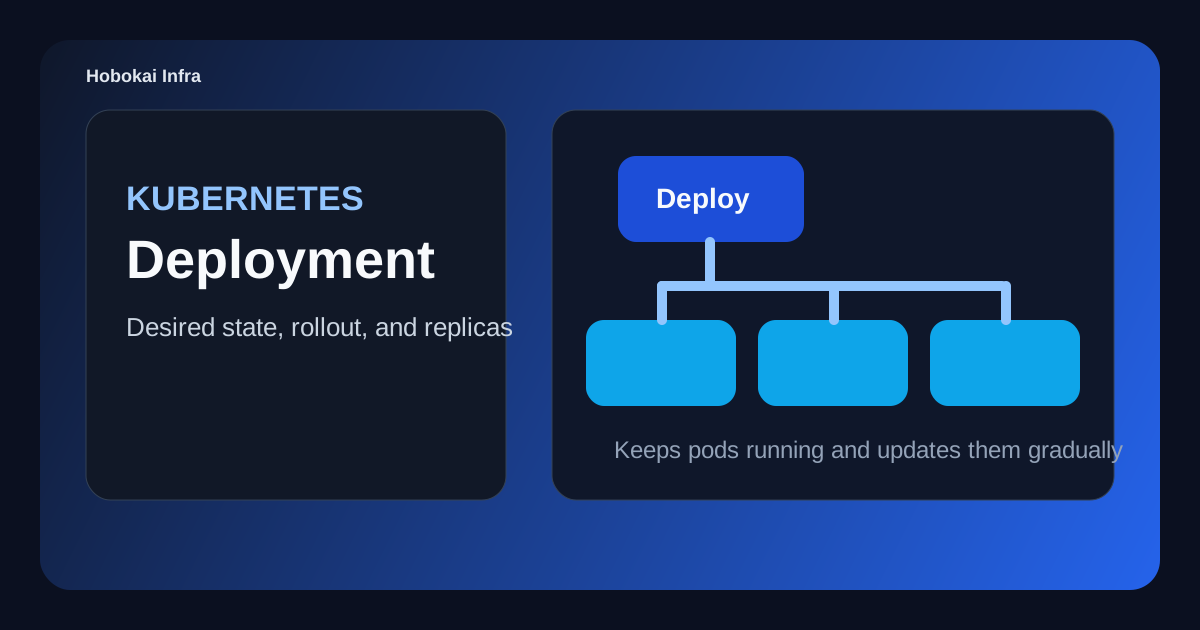
When people first learn Kubernetes, creating a Pod directly can feel enough because the app appears to run. That is why Deployment can seem like unnecessary extra structure at first. In real operations, though, raw Pods are almost never the long-term interface you want to manage by hand.
A Deployment lets you declare what state the application should stay in over time. That is a much more operational way to think than creating individual Pods manually.
This post covers three things.
- what a Deployment is
- how it relates to Pods and ReplicaSets
- how to understand rolling updates and rollbacks
The key idea is this: a Deployment is a higher-level resource that manages desired state for Pods rather than being a Pod itself.
What a Kubernetes Deployment is
A Deployment declares a Pod template and how many copies of that template should exist. Instead of manually starting and replacing Pods, you describe the desired state and Kubernetes keeps working toward that state.
That means you can express needs like:
- keep three web Pods running
- roll out a new image gradually
- roll back to an earlier version if the rollout goes badly
Those are operational concerns, and Deployment is built around them.
How Pod, ReplicaSet, and Deployment fit together
This relationship is one of the most common beginner pain points.
- Pod: the actual running app instance
- ReplicaSet: keeps a certain number of matching Pods alive
- Deployment: manages ReplicaSets and rollout strategy
In practice, you usually create a Deployment, the Deployment creates a ReplicaSet, and the ReplicaSet creates the Pods.
That is why real-world workflows normally start from Deployment rather than from raw Pods.
Why not just create Pods directly
If you only create Pods directly, a few problems appear quickly:
- replacement behavior is awkward
- scaling becomes manual
- version rollout is clumsy
- rollback is hard
A Deployment gives Kubernetes an explicit target, such as “there should always be three Pods like this,” and Kubernetes keeps correcting toward that goal.
A basic Deployment example
apiVersion: apps/v1
kind: Deployment
metadata:
  name: api-deployment
spec:
  replicas: 3
  selector:
    matchLabels:
      app: api
  template:
    metadata:
      labels:
        app: api
    spec:
      containers:
        - name: api
          image: my-api:1.0.0
          ports:
            - containerPort: 8080
This says that three Pods using the my-api:1.0.0 image should be maintained.
The important part is that this is not only “create three Pods once.” It is “keep the system in this state.”
How to think about rolling updates
One of the biggest advantages of Deployment is rolling update behavior. When the image version changes, Kubernetes can replace old Pods gradually rather than shutting everything down at once.
That usually means:
- some new Pods start first
- once they become ready, some old Pods are removed
- the process repeats until the rollout completes
This is what makes low-downtime delivery much easier.
Why rollback matters
Deployments do not always go well. A new version may fail readiness checks or break only under real traffic. Deployment keeps rollout history so that returning to a previous state is easier than rebuilding the situation manually.
That is why Deployment is not just a creation tool. It is also part of your delivery control plane.
How to think about replicas
replicas is the number of identical Pods you want at the same time. For a web app, that often means two or more for availability.
But increasing replicas does not automatically solve every problem. You still need to consider whether the workload is stateless, whether startup is stable, and whether readiness is configured correctly.
Replica count is an operational assumption, not just a number.
How Deployment and Service connect
Deployment creates and manages Pods. Service gives stable access to those Pods.
The normal pattern looks like this:
- Deployment creates Pods with labels
- Service selects those labels
- clients connect through the Service
So Deployment and Service are complementary rather than competing resources. If you want to make that network layer clearer, Kubernetes Service Guide is a good companion.
Common misunderstandings
1. Deployment is the same thing as a Pod
No. Deployment is the higher-level resource managing Pod state and rollout behavior.
2. Changing the image tag guarantees a safe rollout
Not necessarily. Readiness, startup timing, probes, and resource sizing still matter.
3. More replicas automatically means more stability
Not if the application crashes, fails readiness, or depends on broken configuration.
A good beginner exercise
- create an nginx Deployment with
replicas: 2 - update the image tag and observe rollout behavior
- scale replicas between 1, 3, and 5
- intentionally use a bad image tag and see what rollout failure looks like
That exercise helps Deployment feel like a desired-state and release-management tool rather than just a Pod launcher.
FAQ
Q. Can I use ReplicaSet directly?
You can, but Deployment is usually the more natural resource because it handles rollout and rollback more cleanly.
Q. If I only need one Pod, do I still need Deployment?
For quick demos, maybe not. For normal operational patterns, Deployment is still the common choice.
Q. If Pods do not come up after a Deployment, is the Deployment broken?
Usually not. Image, probe, resource, or config issues are more common root causes. Depending on the symptom, compare with Kubernetes CrashLoopBackOff or Kubernetes ImagePullBackOff.
Read Next
- If you want to understand how those Pods are exposed reliably, continue with Kubernetes Service Guide.
- If you want to understand how external HTTP traffic reaches the right service, move next to Kubernetes Ingress Guide.
While AdSense review is pending, related guides are shown instead of ads.
Start Here
Continue with the core guides that pull steady search traffic.
- Middleware Troubleshooting Guide: Redis vs RabbitMQ vs Kafka A practical middleware troubleshooting guide for developers covering when to reach for Redis, RabbitMQ, or Kafka symptoms first, and which problem patterns usually belong to each tool.
- Kubernetes CrashLoopBackOff: What to Check First A practical Kubernetes CrashLoopBackOff troubleshooting guide covering startup failures, probe issues, config mistakes, and what to inspect first.
- Kafka Consumer Lag Increasing: Troubleshooting Guide A practical Kafka consumer lag troubleshooting guide covering what lag usually means, which consumer metrics to check first, and how poll timing, processing speed, and fetch patterns affect lag.
- Kafka Rebalancing Too Often: Common Causes and Fixes A practical Kafka troubleshooting guide covering why consumer groups rebalance too often, what poll timing and group protocol settings matter, and how to stop rebalances from interrupting useful work.
- Docker Container Keeps Restarting: What to Check First A practical Docker restart-loop troubleshooting guide covering exit codes, command failures, environment mistakes, health checks, and what to inspect first.
While AdSense review is pending, related guides are shown instead of ads.