Once people get a bit more comfortable with Kubernetes, one question comes up quickly: when traffic grows, should replica counts always be adjusted by hand, or can the cluster scale them automatically?
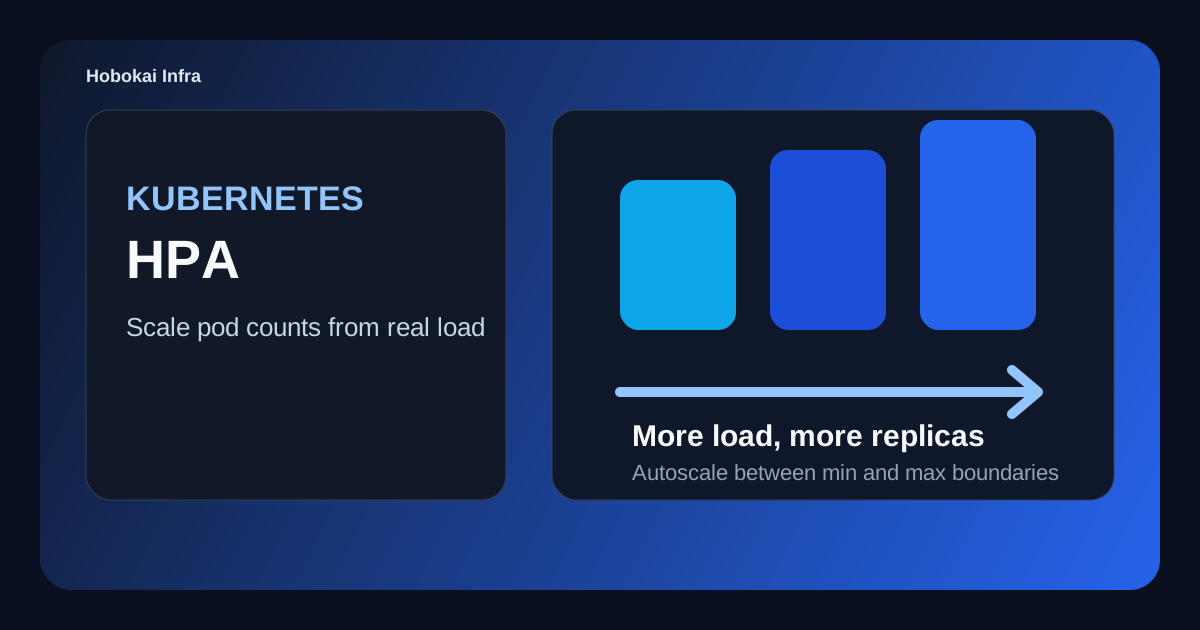
That is where HPA, the Horizontal Pod Autoscaler, appears. The name sounds heavy, but the core idea is simple: it increases or decreases Pod replica counts automatically based on current load.
This post covers three things.
- what HPA is
- how it relates to Deployments
- how to think about CPU- and memory-based autoscaling
The key idea is this: HPA does not make one Pod stronger. It adjusts the number of Pods horizontally.
What Kubernetes HPA is
HPA is a resource that changes replica counts automatically based on resource usage or other metrics. If load rises, it increases Pods. If load falls, it reduces them again.
That means it automates situations like:
- two Pods are enough most of the day
- lunchtime traffic spikes
- night traffic drops again
Instead of someone changing replicas manually, HPA follows a policy and does it for you.
Why HPA matters
Traffic is rarely constant. Time-based spikes, product launches, batch jobs, and external usage patterns all make demand move around.
If replica counts stay fixed, two common problems appear:
- too few replicas during peak load
- wasted resources during quiet periods
HPA helps balance between those two extremes by adjusting capacity dynamically.
What HPA actually scales
HPA usually targets a workload resource such as a Deployment. In other words, it does not manage Pods one by one directly. It changes the replica count of the higher-level workload.
The normal picture looks like this:
- Deployment manages Pods
- HPA adjusts the Deployment replica count
That is why Kubernetes Deployment Guide is a very natural companion to this topic.
A basic HPA example
apiVersion: autoscaling/v2
kind: HorizontalPodAutoscaler
metadata:
  name: web-hpa
spec:
  scaleTargetRef:
    apiVersion: apps/v1
    kind: Deployment
    name: web
  minReplicas: 2
  maxReplicas: 10
  metrics:
    - type: Resource
      resource:
        name: cpu
        target:
          type: Utilization
          averageUtilization: 70
This says the web Deployment should scale between 2 and 10 replicas, using average CPU utilization of 70 percent as the target.
The important parts are:
- minimum replica boundary
- maximum replica boundary
- scaling metric
So HPA is not only about growth. It is also about defining safe operating limits.
What “horizontal” means
The word Horizontal means scaling out rather than scaling up.
For example:
- vertical scaling: make one Pod larger
- horizontal scaling: run more Pods of the same kind
In Kubernetes, HPA fits especially well for stateless web apps and APIs where spreading work across more replicas is natural.
How to think about CPU and memory targets
For beginners, CPU-based autoscaling is usually the easiest place to start. Many workloads show clearer short-term pressure through CPU usage.
Memory-based autoscaling is possible too, but it behaves differently.
- CPU often reacts quickly to bursts
- memory may stay elevated longer and not fall as quickly
That means memory-based scaling often needs more workload-specific judgment.
What HPA needs in order to work well
HPA is not only about creating the resource. A few assumptions matter.
1. Metrics must be available
If CPU or memory metrics are not available in the cluster, HPA cannot make reliable decisions from them.
2. Resource requests should be realistic
HPA decisions often depend on request-based utilization assumptions. If requests are wildly unrealistic, scaling behavior can also become misleading.
3. The app should fit horizontal scaling
If the workload keeps session state in one Pod or the real bottleneck lives elsewhere, adding more replicas may help less than expected.
Common misunderstandings
1. HPA automatically fixes all performance issues
Not necessarily. If the bottleneck is the database, an external API, lock contention, or queue pressure, adding Pods alone may not solve the real problem.
2. Resource requests do not matter much
They matter a lot. Bad request sizing can distort autoscaling behavior.
3. Any stateful workload will scale cleanly with HPA
Sometimes it can, but it usually needs more careful design than a stateless app.
A good beginner exercise
- create a Deployment with CPU requests
- attach an HPA with
minReplicas: 2andmaxReplicas: 5 - generate load and watch replicas increase
- stop the load and observe scale-down behavior
That exercise makes HPA feel much less magical. It becomes clearly visible as a policy-driven scaling tool based on metrics and operating assumptions.
FAQ
Q. Does HPA attach to a Service or a Deployment?
Usually to a Deployment or another workload resource, not directly to a Service.
Q. Can HPA use metrics other than CPU?
Yes, but CPU is usually the simplest place to begin.
Q. If replicas increase and the app is still slow, did HPA fail?
Not always. The real bottleneck may live outside the Pods.
Read Next
- To understand the workload that HPA actually scales, pair this with Kubernetes Deployment Guide.
- To understand how traffic reaches the larger Pod set, continue with Kubernetes Service Guide.
While AdSense review is pending, related guides are shown instead of ads.
Start Here
Continue with the core guides that pull steady search traffic.
- Middleware Troubleshooting Guide: Redis vs RabbitMQ vs Kafka A practical middleware troubleshooting guide for developers covering when to reach for Redis, RabbitMQ, or Kafka symptoms first, and which problem patterns usually belong to each tool.
- Kubernetes CrashLoopBackOff: What to Check First A practical Kubernetes CrashLoopBackOff troubleshooting guide covering startup failures, probe issues, config mistakes, and what to inspect first.
- Kafka Consumer Lag Increasing: Troubleshooting Guide A practical Kafka consumer lag troubleshooting guide covering what lag usually means, which consumer metrics to check first, and how poll timing, processing speed, and fetch patterns affect lag.
- Kafka Rebalancing Too Often: Common Causes and Fixes A practical Kafka troubleshooting guide covering why consumer groups rebalance too often, what poll timing and group protocol settings matter, and how to stop rebalances from interrupting useful work.
- Docker Container Keeps Restarting: What to Check First A practical Docker restart-loop troubleshooting guide covering exit codes, command failures, environment mistakes, health checks, and what to inspect first.
While AdSense review is pending, related guides are shown instead of ads.