When people first study Kubernetes through small examples, Namespace often feels optional. With only a few resources, keeping everything in one place does not seem painful yet.
As systems grow, teams split, and environments multiply, that changes quickly. Namespace becomes the logical boundary that keeps one cluster from turning into one giant undifferentiated pile of resources.
This post covers three things.
- what a Namespace is
- why it matters
- how to think about separating environments and teams
The key idea is this: Namespace does not physically split the cluster. It creates logical boundaries for managing resources more clearly.
What a Kubernetes Namespace is
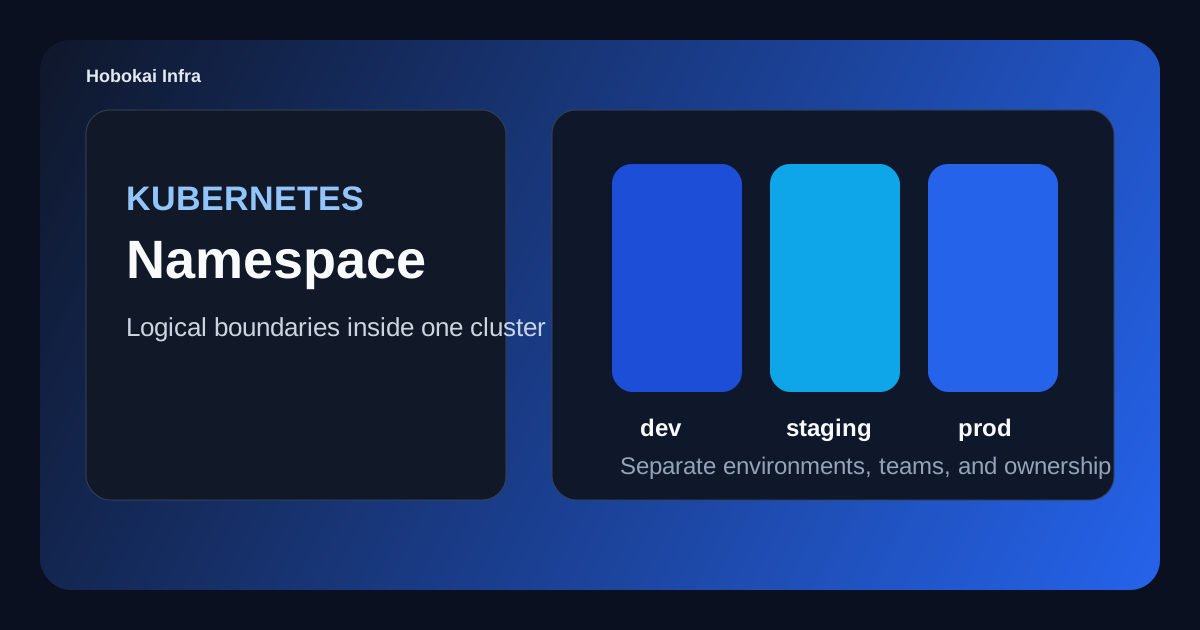
A Namespace is a logical grouping boundary for resources inside the same cluster. It lets you organize areas such as dev, staging, and prod separately.
For example:
dev: development resourcesstaging: validation resourcesprod: production resources
This means the same resource name can exist in different namespaces without being the same object.
Why Namespace matters
The value becomes clearer as soon as the cluster is used by more than one environment or more than one team.
Namespace helps with:
- environment separation
- team ownership boundaries
- clearer RBAC scope
- policy and quota targeting
So Namespace is more than a folder. It is an operational boundary.
Good ways to split Namespaces
1. By environment
This is the most common beginner-friendly model.
devstagingprod
It is easy to understand and fits most delivery workflows.
2. By team
This is useful when platform, backend, data, or other teams have clearly different ownership.
3. By service
In larger systems with strong service boundaries, service-based namespaces may make sense too.
Still, it is easy to over-split too early. For many teams, environment-based namespaces are the cleanest place to start.
What Namespace does and does not isolate
This is important. Namespace gives you logical separation, but it does not automatically create every kind of isolation.
For example:
- name separation: yes
- RBAC scope separation: yes
- policy targeting: yes
- full network isolation: not automatically
That is why Namespace is often paired with things like RBAC, ResourceQuota, and NetworkPolicy.
A simple Namespace example
apiVersion: v1
kind: Namespace
metadata:
  name: staging
Once this exists, you can place Deployments, Services, ConfigMaps, and Secrets inside it.
That makes environment boundaries much easier to reason about, especially when the same app name appears in multiple stages.
Is Namespace worth it for a small project
Not always on day one. In a tiny personal cluster, the default namespace may be enough for a while.
But Namespace becomes much more valuable when:
- you want to separate development and production
- team access should be scoped differently
- several apps share one cluster
- you want to reduce accidental changes to production resources
Common mistakes
1. Leaving everything in default
This is common early on, but it becomes confusing surprisingly fast.
2. Splitting into too many namespaces too early
Too many boundaries can become just as hard to understand as too few.
3. Assuming Namespace solves all security isolation by itself
It helps, but permissions, networking, and policy still need deliberate setup.
A good beginner exercise
- create
devandstagingnamespaces - deploy the same app name into both
- compare
kubectl get pods -n devwith-n staging - create separate ConfigMaps and Secrets in each namespace
That exercise makes Namespace feel much less abstract. It becomes clearly visible as an operational scope boundary.
FAQ
Q. Should every app get its own namespace?
Not always. It is usually better to choose the boundary that matches environment, team, or ownership first.
Q. Is using default always wrong?
For very small experiments, no. For operational or collaborative work, explicit namespaces are usually safer.
Q. Do ConfigMaps and Secrets also separate by namespace?
Yes, and that is one reason Namespace is so useful for environment-level configuration boundaries.
Read Next
- If you want to understand normal runtime configuration inside those boundaries, continue with Kubernetes ConfigMap Guide.
- If you want to understand sensitive value handling in the same model, pair this with Kubernetes Secret Guide.
While AdSense review is pending, related guides are shown instead of ads.
Start Here
Continue with the core guides that pull steady search traffic.
- Middleware Troubleshooting Guide: Redis vs RabbitMQ vs Kafka A practical middleware troubleshooting guide for developers covering when to reach for Redis, RabbitMQ, or Kafka symptoms first, and which problem patterns usually belong to each tool.
- Kubernetes CrashLoopBackOff: What to Check First A practical Kubernetes CrashLoopBackOff troubleshooting guide covering startup failures, probe issues, config mistakes, and what to inspect first.
- Kafka Consumer Lag Increasing: Troubleshooting Guide A practical Kafka consumer lag troubleshooting guide covering what lag usually means, which consumer metrics to check first, and how poll timing, processing speed, and fetch patterns affect lag.
- Kafka Rebalancing Too Often: Common Causes and Fixes A practical Kafka troubleshooting guide covering why consumer groups rebalance too often, what poll timing and group protocol settings matter, and how to stop rebalances from interrupting useful work.
- Docker Container Keeps Restarting: What to Check First A practical Docker restart-loop troubleshooting guide covering exit codes, command failures, environment mistakes, health checks, and what to inspect first.
While AdSense review is pending, related guides are shown instead of ads.