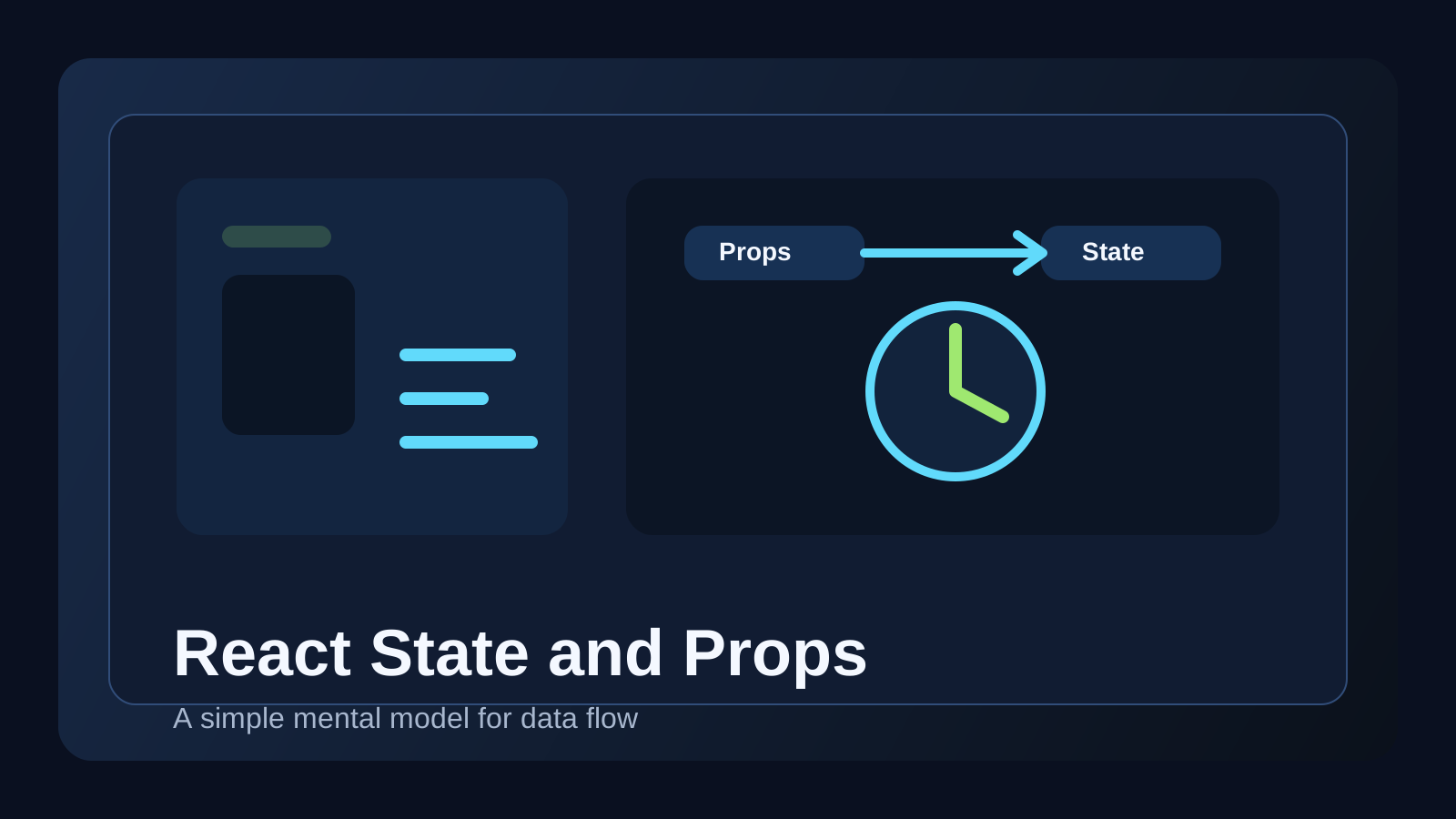
In React, state and props often become confusing before JSX does. Both seem related to changing the screen, but they play different roles. If that difference is unclear, even small components become hard to reason about.
When teams mix these concepts, they often duplicate the same data in multiple places or lose track of where a value is allowed to change. That is when simple apps start feeling chaotic.
This post covers three things.
- what
stateandpropseach mean in React - how to decide where data should live
- when lifting state up helps and when it creates extra complexity
The core idea is simple: props are values passed in, while state is value owned and updated by the component itself.
What state and props are in React
props are inputs that come from a parent component. A child can read them, but it does not directly own them.
state is data managed inside a component. It changes in response to user input, time, network requests, or events, and those changes trigger a re-render.
function Parent() {
  return <Counter initialCount={0} />;
}

function Counter({ initialCount }) {
  const [count, setCount] = useState(initialCount);

  return (
    <button onClick={() => setCount(count + 1)}>
      {count}
    </button>
  );
}
Here, initialCount is a prop and count is state. The parent provides the starting value, but the child owns the updates.
When something should be state
A value is usually state if one of these is true.
- the user can change it
- it changes over time
- it affects what the component renders
Common examples include:
- input values
- modal open or closed state
- active tabs
- loading flags
- filter conditions
If a value is only being displayed and this component does not really manage it, turning it into local state may not help.
When something should stay as props
If the parent already owns the data and the child only needs to render it, props are often the natural solution.
function UserList({ users }) {
  return (
    <ul>
      {users.map((user) => (
        <UserCard key={user.id} user={user} />
      ))}
    </ul>
  );
}
In this case, UserCard can simply receive user as input. Creating useState(user) inside the child would often duplicate data for no good reason.
When to lift state up
If two or more sibling components need the same changing value, the common parent is often the right place to store it.
function SearchPage() {
  const [keyword, setKeyword] = useState('');

  return (
    <>
      <SearchInput keyword={keyword} onChange={setKeyword} />
      <SearchResults keyword={keyword} />
    </>
  );
}
This works well because the source of truth is clear. Both children depend on the same keyword, and there is only one place where that value changes.
What happens when you lift too much state
A common beginner mistake is pushing almost every value up into a higher component. Shared state should move up, but local state that only matters to one component often belongs close to that component.
function AccordionItem({ title, children }) {
  const [open, setOpen] = useState(false);

  return (
    <section>
      <button onClick={() => setOpen(!open)}>{title}</button>
      {open && <div>{children}</div>}
    </section>
  );
}
If no other component needs to know whether this one accordion item is open, keeping the state local is usually the simpler design.
A useful question is: who really needs to know this value exists?
Common mistakes
1. Copying props into state by default
Sometimes people do this because they want an initial value. Unless you truly need editable temporary state, this often creates synchronization bugs.
2. Managing the same data in multiple places
Core values like selected user, cart count, or search keyword become fragile when several components all try to own them.
3. Making state updates hard to trace
If the logic that changes state is scattered too widely, debugging becomes painful. Clear ownership helps a lot.
A good practice exercise
Imagine you are building a small todo app. Decide where each of these should live.
- the current input value
- the todo list
- the active filter
- edit mode for one individual item
This exercise quickly improves your sense of data flow. It also shows how component structure and state placement move together. If component boundaries still feel unclear, React Component Design Guide is a helpful companion.
FAQ
Q. Is prop drilling always bad?
No. Passing values through two or three clear levels is often the simplest solution.
Q. Should I move state into global storage as soon as possible?
Only when the sharing needs are truly broad. Over-globalizing state can make changes harder to follow.
Q. Is server data always state?
Not necessarily. If a component only displays it, props or a data-fetching hook result may be a cleaner fit.
Read Next
- If side effects and data fetching are the next confusing topics, continue with React useEffect Guide.
- If repeated state logic is starting to bother you, React Custom Hooks Guide is a strong next step.
While AdSense review is pending, related guides are shown instead of ads.
Start Here
Continue with the core guides that pull steady search traffic.
- Middleware Troubleshooting Guide: Redis vs RabbitMQ vs Kafka A practical middleware troubleshooting guide for developers covering when to reach for Redis, RabbitMQ, or Kafka symptoms first, and which problem patterns usually belong to each tool.
- Kubernetes CrashLoopBackOff: What to Check First A practical Kubernetes CrashLoopBackOff troubleshooting guide covering startup failures, probe issues, config mistakes, and what to inspect first.
- Kafka Consumer Lag Increasing: Troubleshooting Guide A practical Kafka consumer lag troubleshooting guide covering what lag usually means, which consumer metrics to check first, and how poll timing, processing speed, and fetch patterns affect lag.
- Kafka Rebalancing Too Often: Common Causes and Fixes A practical Kafka troubleshooting guide covering why consumer groups rebalance too often, what poll timing and group protocol settings matter, and how to stop rebalances from interrupting useful work.
- Docker Container Keeps Restarting: What to Check First A practical Docker restart-loop troubleshooting guide covering exit codes, command failures, environment mistakes, health checks, and what to inspect first.
While AdSense review is pending, related guides are shown instead of ads.