One of the most interesting questions in AI coding right now is not “which model is best?” It is “what kind of workflow makes these models reliably useful?”
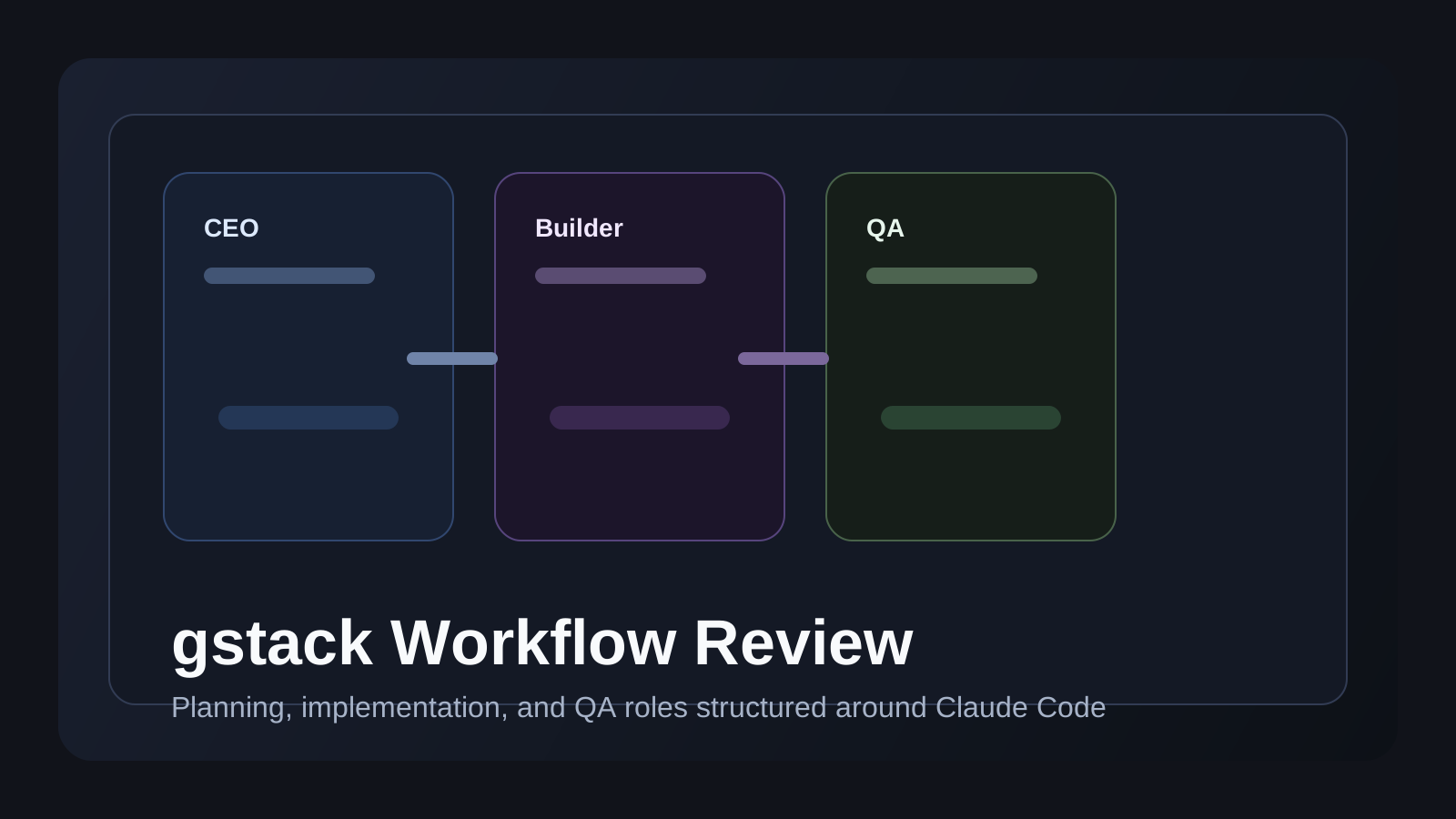
That is why gstack is interesting. It is not mainly a prompt pack. It is a workflow layer that gives Claude Code role-based commands for planning, review, and QA.
I tested it in a real feature-building flow to answer three practical questions:
- what
gstackactually is - how the workflow feels in practice
- when it is better than simply prompting directly
What gstack is
gstack is Garry Tan’s open-source workflow layer for Claude Code.
Instead of treating AI coding as one long conversation, it introduces role-shaped commands for:
- idea refinement
- planning
- engineering review
- QA and browser checks
The important detail is that it tries to make AI coding feel more like a small engineering team and less like a single chat window.
Why the workflow idea matters
Many AI coding sessions fail for one simple reason: the assistant starts producing output before the problem framing is stable.
gstack is interesting because it inserts process in the places where teams usually make expensive mistakes:
- scoping too loosely
- coding before the plan is challenged
- shipping before verification is real
That makes it a workflow tool, not only a generation tool.
Setup and first impression
The installation was straightforward:
git clone https://github.com/garrytan/gstack.git ~/.claude/skills/gstack
cd ~/.claude/skills/gstack
./setup
After setup, Claude Code gains a set of commands that behave more like specialized teammates than one general-purpose assistant.
The first impression is not “more power” so much as “more structure.”
What felt useful in practice
I tested gstack by building a small feature from scratch.
1. /office-hours improved problem framing
Instead of rushing into implementation, /office-hours pushed on the shape of the request first.
That was useful because it challenged:
- whether the problem was defined clearly
- whether the user pain was real
- whether the feature scope was too vague
For many product-minded tasks, that is more valuable than immediate code generation.
2. Review commands added productive friction
/plan-ceo-review and /plan-eng-review made the workflow noticeably stronger.
They added the kind of friction that helps before code exists:
- scope questions
- architecture questions
- value questions
- implementation risk questions
That made the process feel less like “generate code fast” and more like “make fewer bad decisions before coding.”
3. /qa made the loop feel real
The most distinctive part was QA.
When browser-based testing and verification are part of the same workflow, AI assistance starts to feel much closer to a real development loop rather than a writing tool that stops at the diff.
That is where gstack felt materially different from direct prompting alone.
Where gstack is stronger than direct prompting
Direct prompting is still great for:
- small bugs
- quick experiments
- tiny refactors
But gstack becomes more compelling when the task needs:
- scoped planning
- review checkpoints
- role separation
- explicit QA steps
In other words, it becomes more valuable as task size and ambiguity grow.
Where it can feel heavy
The structure is useful, but it is not free.
gstack can feel heavy when:
- the task is tiny
- the desired result is already obvious
- the extra review steps do not change the decision quality much
That means it works best when you treat it like a workflow you invoke selectively, not a mandatory wrapper for every trivial edit.
Who should use it
From testing, gstack makes the most sense for:
- solo founders building product features
- developers who want more process around AI coding
- teams experimenting with role-based agent workflows
It makes less sense if all you want is quick autocomplete or one-off bug fixing.
Final take
After trying it hands-on, I think the real value of gstack is not that it gives you better one-shot prompts.
Its value is that it gives AI coding a repeatable process with checkpoints that improve decision quality, not only output speed. That makes it interesting for people who care about planning and verification as much as implementation.
What to watch before adopting it
The biggest adoption question is not installation. It is whether your team actually wants the added process.
If the environment values:
- deliberate scoping
- review before implementation
- clearer handoff between planning and QA
then gstack can feel helpful quickly.
If the environment mainly wants minimal overhead and fast one-off edits, direct prompting may remain the better default.
FAQ
Q. Is gstack just a prompt pack?
Not really. Its real value is the workflow structure around planning, review, and QA.
Q. Is it worth using for tiny tasks?
Usually not. The overhead makes more sense on tasks with ambiguity or product scope.
Q. Who benefits most?
People who want AI to behave more like a lightweight engineering process than a single coding autocomplete session.
Read Next
- If you want the broader idea behind workflow evaluation, continue with the Harness Engineering Guide.
- If you want a more skill-oriented guide for Claude Code itself, continue with the Claude Code Skills Guide.
Related Posts
While AdSense review is pending, related guides are shown instead of ads.
Start Here
Continue with the core guides that pull steady search traffic.
- Middleware Troubleshooting Guide: Redis vs RabbitMQ vs Kafka A practical middleware troubleshooting guide for developers covering when to reach for Redis, RabbitMQ, or Kafka symptoms first, and which problem patterns usually belong to each tool.
- Kubernetes CrashLoopBackOff: What to Check First A practical Kubernetes CrashLoopBackOff troubleshooting guide covering startup failures, probe issues, config mistakes, and what to inspect first.
- Kafka Consumer Lag Increasing: Troubleshooting Guide A practical Kafka consumer lag troubleshooting guide covering what lag usually means, which consumer metrics to check first, and how poll timing, processing speed, and fetch patterns affect lag.
- Kafka Rebalancing Too Often: Common Causes and Fixes A practical Kafka troubleshooting guide covering why consumer groups rebalance too often, what poll timing and group protocol settings matter, and how to stop rebalances from interrupting useful work.
- Docker Container Keeps Restarting: What to Check First A practical Docker restart-loop troubleshooting guide covering exit codes, command failures, environment mistakes, health checks, and what to inspect first.
While AdSense review is pending, related guides are shown instead of ads.