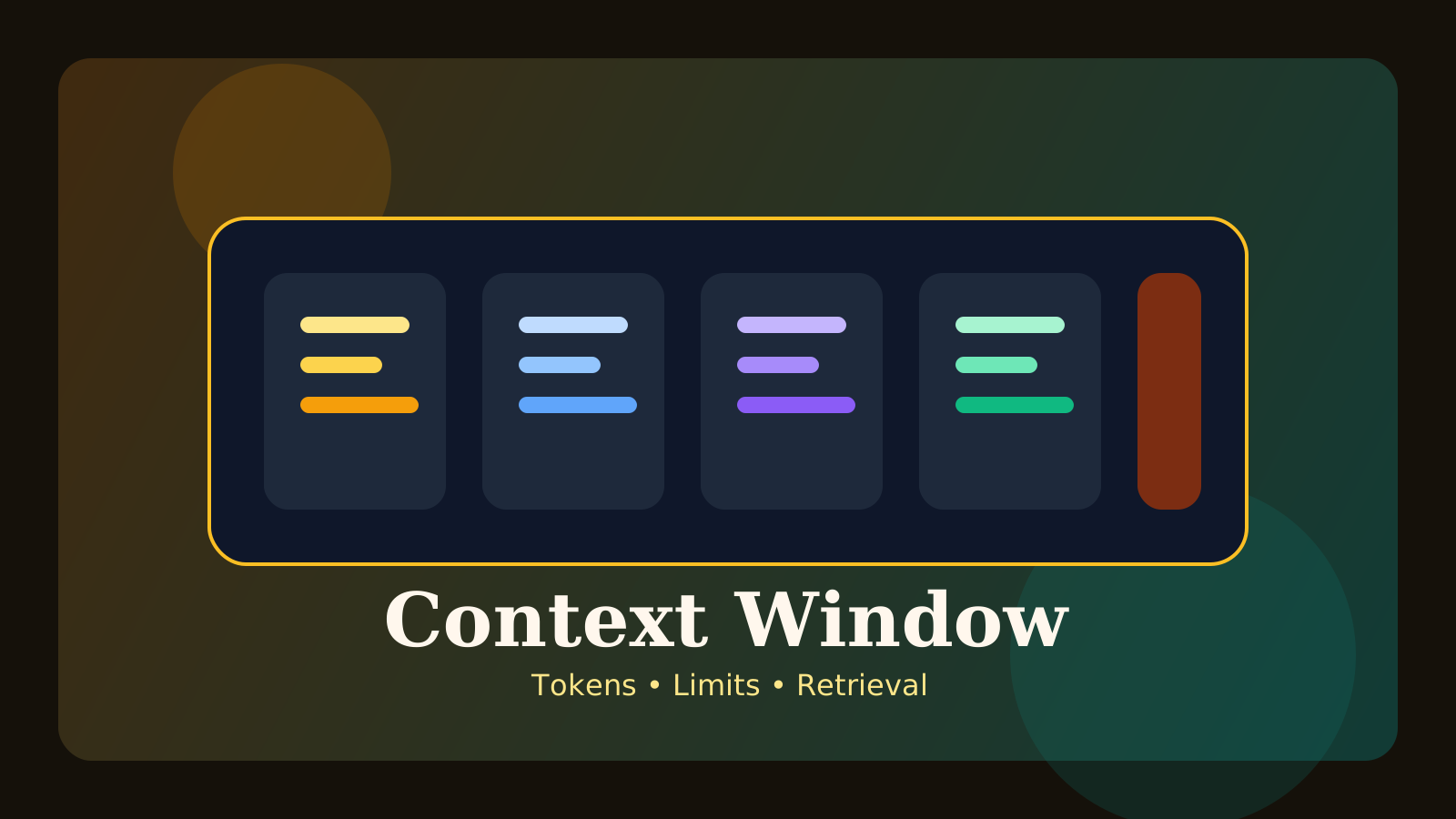
When people compare modern LLMs, you often hear a phrase like “this model has a larger context window.” That sounds important, but for beginners it can also feel frustratingly abstract. What does the model actually see, and why does that limit matter so much in practice?
At a simple level, the context window is the amount of input the model can use when generating one response. That includes the system prompt, the user’s message, prior conversation turns, retrieved documents, tool outputs, and enough space for the model to produce the answer.
This guide covers:
- what a context window actually is
- why token limits matter
- what goes wrong in long chats and long documents
- how teams handle these limits in practice
The key idea is this: a larger context window is useful, but quality depends even more on whether the right information is selected and structured inside that space.
What is a context window?
An LLM cannot process unlimited text in one pass. It operates within a bounded token range, and that bounded working range is the context window.
That space often includes:
- system instructions
- the user’s current prompt
- previous conversation history
- retrieved documents
- tool outputs
- reserved room for the model’s reply
So this is not only about “how many pages a model can read.” It is closer to the model’s active working space for the current response.
Why do token limits matter?
Context budget disappears faster than most people expect. In a real application, one request may include all of the following:
- a long system prompt
- the user question
- earlier decisions from the conversation
- retrieved code or document excerpts
- formatting instructions
If you do not manage that budget, the system either loses important information or fills the prompt with too much noise.
For example:
System instructions: 600 tokens
User question: 300 tokens
Chat history summary: 900 tokens
Retrieved documents: 5,000 tokens
Tool output: 1,200 tokens
Reserved output space: 1,500 tokens
If the model cannot comfortably hold that total, something has to be removed or compressed. The difficult part is that the choice of what stays and what goes often has a direct impact on answer quality.
Is a larger context window always better?
A larger window is genuinely helpful. It lets you fit longer documents, more chat history, or more retrieved evidence into a single request.
But there is an important catch: more context is not automatically better context.
Problems can still appear:
- important details get buried in long input
- irrelevant material adds noise
- cost rises
- latency rises
That is why strong systems do not rely only on a bigger number in the model spec. They also invest in choosing and structuring context well.
What goes wrong in long chats?
As a conversation gets longer, early instructions and facts move farther back. That often leads the model to:
- forget earlier constraints
- repeat already discussed points
- lose the requested tone or format
- drift away from previous conclusions
Because of that, long-running chat systems usually do not keep appending raw conversation forever. They often combine:
- conversation summaries
- memory layers that preserve key facts
- a sliding recent-history window
- structured state instead of raw transcript replay
In practice, handling long chats is less about storing everything and more about re-injecting the right information at the right time.
What changes with long documents?
Very long documents create a different challenge. Dropping the full document into one prompt is often inefficient and sometimes actively harmful, especially for manuals, policy files, knowledge bases, or code repositories.
Teams usually rely on a few common strategies.
1. Chunking
Break the document into smaller sections so relevant pieces can be selected when needed.
2. Retrieval
Search for the chunks most relevant to the user’s question and place only those into context. This is the same general pattern explained in the RAG Guide.
3. Section summaries
Create summaries of larger sections first, then bring back raw excerpts only when they are needed.
4. Stepwise questioning
Instead of trying to answer everything at once, narrow the task and then go deeper in stages.
So even with a large context window, structure still matters a lot.
How does this relate to RAG?
For beginners, context windows and RAG can sound similar, but they solve different problems.
- context window: how much input the model can see right now
- RAG: how you choose which external content to place into that input
RAG helps because you do not need to send every document every time. You retrieve only the pieces relevant to the current question, which can:
- reduce cost
- reduce noise
- improve accuracy
That is why context windows and RAG are usually complementary rather than competing ideas.
How should you handle context limits in practice?
When designing a system, it helps to think less about the maximum spec and more about how your context budget is allocated.
Useful questions include:
- Is the system prompt longer than it needs to be?
- Are you replaying too much raw chat history?
- Are you retrieving more documents than the answer actually needs?
- Have you reserved enough output space?
- Do you have a rule for when to use summaries instead of raw text?
Once you start asking these questions, context window limits stop looking like a pure model problem and start looking like a prompt-design and information-flow problem.
Common misunderstandings
1. A bigger context window means the model perfectly remembers everything inside it
No. Fitting information into the window and using it effectively are different things.
2. Long documents should always be pasted in whole
That can bury the important parts and make answers worse.
3. Context problems are solved only by moving to a newer model
Model choice matters, but chunking, retrieval, and summarization design often make a larger difference than people expect.
FAQ
Q. Is a context window the same as memory?
Not exactly. A context window is the bounded input space for the current answer, while memory is more about what information gets carried forward into that space.
Q. Are larger context windows always more expensive?
In practice, more input usually means more cost and latency, so quality and efficiency need to be considered together.
Q. Do I need a huge context window to work with long documents?
Not always. Good chunking and retrieval design can go surprisingly far.
Read Next
- To see how relevant document chunks are selected and injected, continue with the RAG Guide.
- If you are deciding what should stay inside prompts, the Prompt Engineering Guide is a strong next step.
- To check whether long-context changes actually improve quality, pair this with the LLM Evaluation Guide.
Start Here
Continue with the core guides that pull steady search traffic.
- Middleware Troubleshooting Guide: Where to Start With Redis, RabbitMQ, or Kafka A practical middleware troubleshooting hub covering how to choose the right first branch when systems using Redis, RabbitMQ, and Kafka show cache drift, queue backlog, or consumer lag.
- Kubernetes CrashLoopBackOff: What to Check First A practical Kubernetes CrashLoopBackOff troubleshooting guide covering startup failures, probe issues, config mistakes, and what to inspect first.
- Technical Blog SEO Checklist for Astro: What to Fix Before You Wait for Traffic A practical Astro SEO checklist for technical blogs covering deployed-site checks, robots.txt, sitemap, canonical, hreflang, structured data, page-role metadata, noindex decisions, and verification commands.
- Canonical and hreflang Setup for Multilingual Blogs: What to Check and What Breaks A practical guide to canonical and hreflang setup for multilingual blogs, covering self-canonicals, reciprocal hreflang clusters, x-default, category pages, rendered HTML checks, and the mistakes that make one language version suppress another.
- OpenAI Codex CLI Setup Guide: Install, Auth, and Your First Task A practical OpenAI Codex CLI setup guide covering installation, sign-in, the first interactive run, Windows notes, and the safest workflow for your first real task.