How to Budget as a Couple: 5 Steps to Manage Money Together Without Fighting
“Why did we spend so much this month?” Once you move in together or start splitting date costs, that question turns into an argument fast. Usually it is because nobody knows exactly who paid for what, or how much went to shared expenses.
A couple’s budget is a single ledger where two people record their income and spending together. Unlike a personal budget, it only lasts if you first agree on which money you look at together and who records it.
This guide covers:
- Three ways couples split money, and how to pick one
- Five rules to agree on before you start
- How to record fixed costs, card installments, and personal spending
- The weekly check-in that keeps a shared budget alive
The short version: in a couple’s budget, agreeing on the rules matters far more than recording every detail.
This post is written by the developer who builds and uses You & I Household Ledger, a shared budget app for couples. The app setup is included, but the rules and methods work the same with any budgeting app or spreadsheet.
What is a couple’s budget, and how is it different?
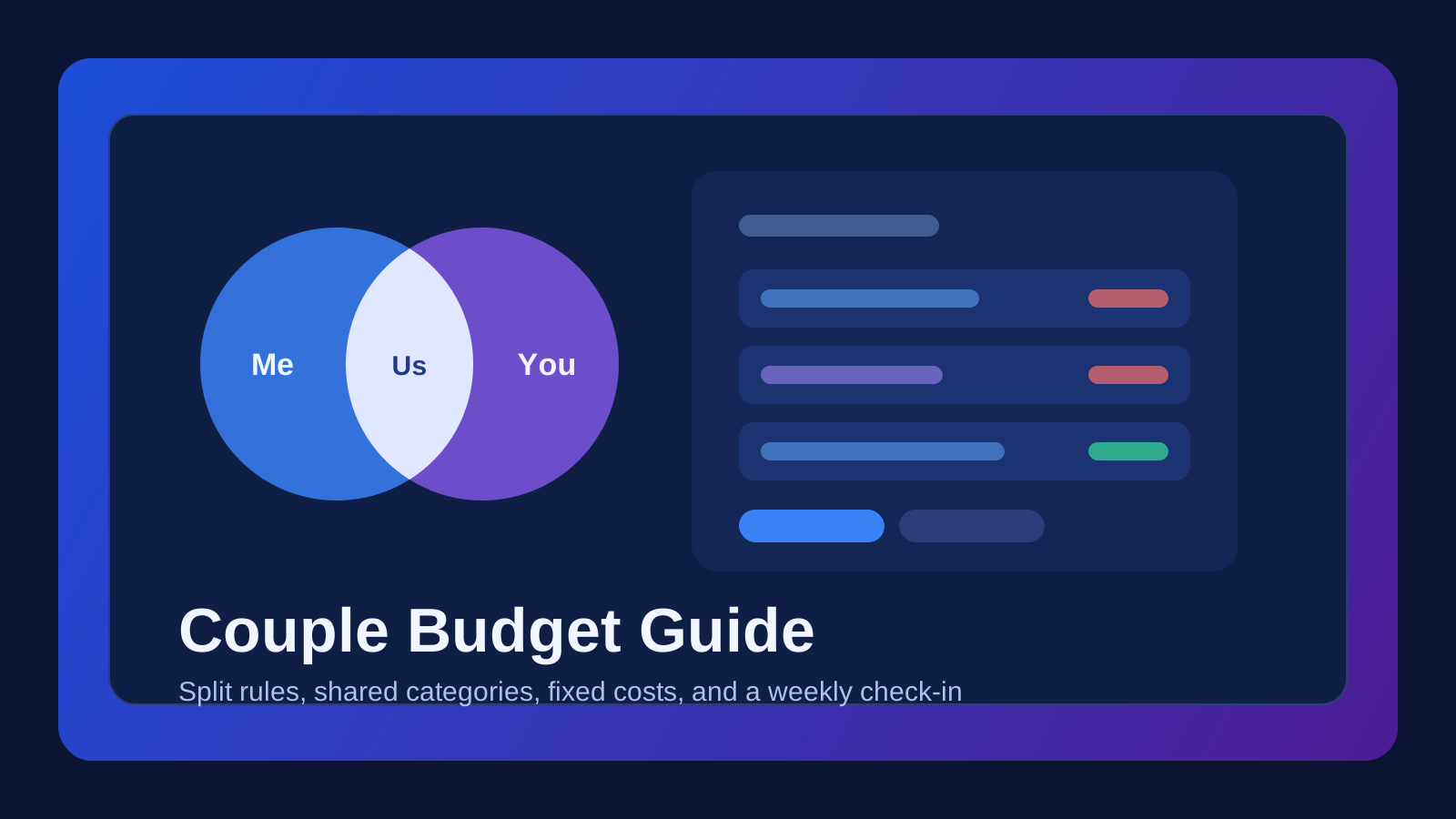
A personal budget only answers “how much did I spend?” A couple’s budget has to show three things at once:
- Me: what I spent
- You: what my partner spent
- Us: what we spent together, and the overall total
Most confusion comes from “Us.” If one person paid for groceries, is that a shared expense or their own? Without a rule, you both look at the same ledger and read it differently.
That is why it helps to record by what the money was for, not whose card paid for it.
When do you need a couple’s budget?
If two or more of these apply, it is a good time to start:
- You live together or are planning a wedding
- You split fixed costs like rent, utilities, or phone bills
- You have a joint account for dates or household spending
- You often work out “who paid more this month?”
- You are saving toward a shared goal, like a wedding or a trip
If you barely share expenses yet, tracking date costs alone is a fine place to begin.
Step 1: Choose how you split money
Before installing any app, decide how much of your money you combine. There are three common approaches.
| Approach | How it works | Works well for |
|---|---|---|
| Fully combined | All income goes into one account and you spend from it together | Married couples, couples with similar income and habits |
| Shared household fund + personal allowance | Each puts a set amount into a joint fund and manages the rest separately | The safest default for most dual-income couples |
| Pay separately, settle up | Each pays as they go and you settle the difference at month end | New relationships, couples who just moved in |
If you are starting out, go with a shared household fund plus personal allowance. Shared spending stays transparent, and personal spending stays personal.
Contributions do not have to be 50/50. When incomes differ a lot, contributing in proportion to income often causes less friction.
Step 2: Agree on five rules before you start
Settle these five points up front and most budget arguments disappear.
- What counts as shared: groceries, eating out, housing, dates, or some of these
- Who records: whoever paid records it. If one person does all the bookkeeping, they burn out
- When to record: the same day, or within a day at most. After a week you will not remember
- Privacy for personal spending: whether personal purchases can be recorded but hidden from your partner
- Review cadence: once a week for 10 minutes is enough (see Step 5)
Write the rules down somewhere short. For example:
[Example: our budget rules]
- Shared: groceries, eating out, dates, rent and utilities, phone
- Personal: anything from your own allowance (recorded, can be private)
- Whoever pays records it the same day
- Review together every Sunday evening for 10 minutes
- Talk first before any purchase over $500
Step 3: Set up a ledger you both can see
A spreadsheet works, but if you both record from your phones every day, a shared budget app that syncs in real time is much easier. When choosing one, check three things:
- Does an entry show up on your partner’s screen right away?
- Can you switch between me, my partner, and the combined total?
- Can you hide personal spending from your partner?
Here is how you connect in You & I Household Ledger. The app interface is currently in Korean, so the menu names below are translations:
- Both of you sign up on the web (asset.hobokai.com), the iPhone app, or the Android app. Google and Apple sign-in are supported.
- One person opens Settings → Couple settings, enters the partner’s registered email, and taps Invite.
- The partner taps Accept under Received invitations on the same screen. Invitations are valid for 7 days.
- Use the Me / You / Us (나 / 너 / 우리) switch at the top of the home screen to change views.
You can try Guest Mode first, but connecting as a couple requires a full account. If you link an account after using Guest Mode, your entries carry over.
Step 4: Keep daily entries short, automate fixed costs and installments
The most common reason couple budgets fail is that recording feels like a chore. Cut daily work to a minimum and automate anything that repeats.
Daily entries: one line is enough
Right after paying, just note where and how much. You can fix the category later. In You & I Household Ledger, you type one sentence and AI fills in the date, amount, and category:
Lunch at the noodle place $12
Groceries yesterday $45
New fridge $1,200, 3-month installment
As in the last example, writing “3-month installment” also sets the number of installment months.
Fixed costs: register them once
Rent, utilities, phone bills, insurance, and subscriptions leave your account on the same day each month. Register them as fixed expenses. You stop writing them by hand, and when you view spending without fixed costs, you see what you could actually have saved.
In the Fixed tab of You & I Household Ledger, enter the name, amount, category, and day of the month, and it is recorded automatically on that day. In months without that date (like the 31st), it moves to the last day of the month, and when either partner opens the app, both of your fixed expenses are recorded.
Card installments: track the monthly payment, not the total
If you record an installment purchase as one big total, that month looks terrible and the following months hide money you are still paying. Split it across the installment months so each month shows the real cost. You can also convert a one-time entry into installments later.
Personal spending: record it, control who sees it
If every gift or hobby purchase has to be visible, people stop recording. Mark these entries as Only me. In You & I Household Ledger, private transactions are left out of the combined “Us” view, and private fixed expenses are hidden from your partner.
Step 5: Do a 10-minute check-in once a week
A ledger nobody reads changes nothing. Once a week, look at it together for 10 minutes. You only need three things:
- Fill the gaps: compare with your card statements and add anything missing
- Look at one or two categories: only the ones you care about, like eating out or groceries
- Flag next week’s big expenses: weddings, trip bookings, anything the other person should know
Most important: no blaming. Instead of “why did you spend so much?”, try “we ate out a lot this week, want to cook twice next week?” Talk about the next action, not the last mistake.
Once a month, review spending by category and the change from last month. The stats screen and AI monthly report in You & I Household Ledger do this comparison for you.
Common mistakes couples make
- Over-splitting categories from day one: with 30 categories, every entry becomes a decision. Start with 8 to 10 top-level categories and add subcategories only when you need them.
- Only one person records: the recorder burns out and the other person loses track. Whoever pays, records.
- Writing fixed costs by hand every month: eventually a month gets skipped and the totals drift.
- Recording installments as a lump sum: one month looks like a deficit and later months look better than they are.
- Using the budget to police each other: the moment it becomes a tool for criticism, recording stops. Respect privacy for personal spending.
FAQ
Can we just use a spreadsheet?
Yes. A shared Google Sheet with columns for date, place, amount, category, and who paid is enough to start. The downside is that it is awkward to update from a phone, and fixed costs and installments are hard to automate.
Is splitting household costs 50/50 fair?
If your incomes are similar, 50/50 is fine. If they differ a lot, contributing by income ratio usually causes less conflict. What matters most is that you both agreed on the rule.
What if my partner does not record their spending?
Lower the effort first. Let them skip categories and just enter place and amount, or use a fast one-line entry. You can also fill in the gaps together during the weekly check-in.
Do we have to share every personal expense?
No. Requiring full visibility of allowance spending makes people avoid recording. Recording personal spending while allowing it to stay private works better in the long run.
Is You & I Household Ledger free?
Recording, shared ledger sync, fixed expenses, installments, and statistics are free. Members get 5 AI one-line entries and 1 AI analysis per day for free, and can earn more by watching a short ad in the app.
Wrap-up: rules first, light recording
Here is the order that keeps a couple’s budget going:
- Choose how you split money (start with a shared fund plus personal allowance)
- Agree on what is shared, who records, and when you review
- Set up a ledger you can both see in real time
- Keep daily entries to one line and automate fixed costs and installments
- Check in for 10 minutes a week, without blaming
If you are looking for a budget app to use together, you can start You & I Household Ledger for free on the web, the iPhone app, or the Android app. Guest Mode lets you look around without signing up.
Start Here
Continue with the core guides that pull steady search traffic.
- Operating Redis, RabbitMQ, and Kafka in Production: Avoiding Common Bottlenecks When middleware stalls, the entire backend grinds to a halt. Practical advice for detecting Redis big keys, managing RabbitMQ DLX queues, and surviving Kafka rebalance storms.
- When Your Vercel Build Breaks: Fixing OOM Crashes, 504 Timeouts, and Missing Envs Why projects build fine on localhost but fail on Vercel. Practical fixes for out-of-memory errors, 504 gateway timeouts, client vs server env vars, and fast rollbacks.
- Building Production AI Agents & RAG: Architecture Lessons & Practical Tips Moving beyond simple chatbots to autonomous AI agents. Key lessons on temperature and sampling, prompt caching, RAG vs fine-tuning tradeoffs, and state management with LangGraph.
Related guides are shown to help you explore more.