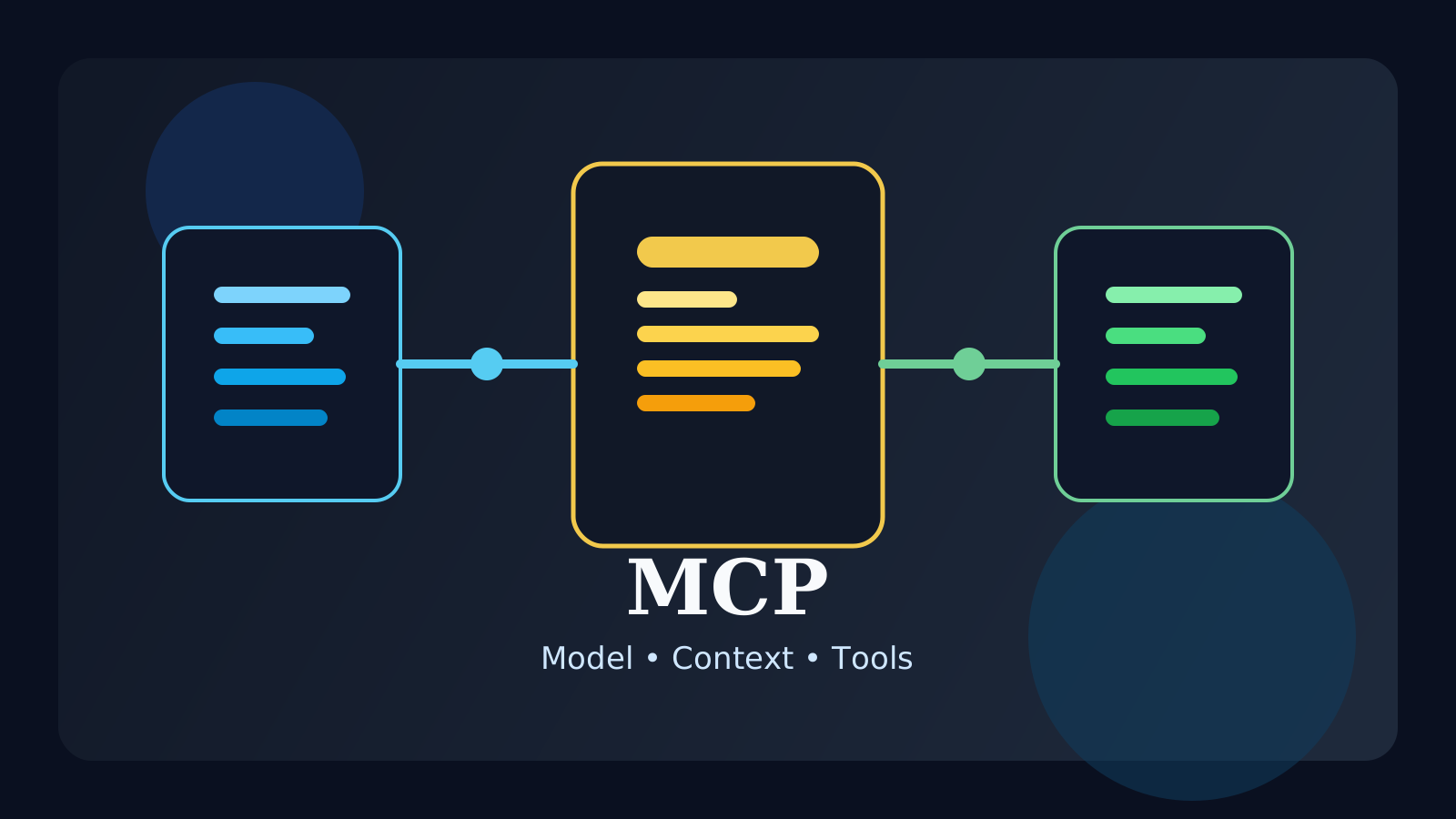
If you spend time learning about AI agents, coding assistants, or tool-using LLMs, you quickly run into the term MCP. At first it sounds like yet another acronym, but it points to a very practical question: how does an AI application connect to files, APIs, databases, documents, and tools in a way that is structured and manageable?
LLMs are good at generating language, but they do not automatically know your local files, internal docs, issue trackers, or live system state. If you want an AI application to do real work, it needs a way to connect to the outside world. MCP is one of the emerging standards for that connection layer.
In this guide, we will cover:
- what MCP actually is
- why it matters
- how the host-client-server model works
- what tools, resources, and prompts mean in MCP
- how MCP differs from APIs, RAG, and agents
The short version is this: MCP is a standard interface layer for connecting AI applications to external context and capabilities, so those connections do not have to be reinvented in a bespoke way every time.
What is MCP?
MCP stands for Model Context Protocol. The name makes it sound like it is only about passing context, but in practice it covers a broader connection model for exposing external data, executable tools, and reusable prompts to AI applications.
In plain language, MCP is a standardized way for an AI application to connect to things like:
- local files
- databases and schemas
- internal documentation
- external APIs
- executable tools
- reusable prompt templates
The official MCP documentation describes it as an open standard for connecting AI applications to external systems. A common analogy is that MCP plays a role similar to a universal connector for AI apps: not because every connection becomes identical, but because there is a shared protocol for describing and using them.
Why does MCP matter?
Early AI prototypes often work with simple chat inputs and outputs. Real products get more complicated very quickly.
Soon you want the system to:
- read repository files
- search internal documentation
- query current system state
- call external services
- limit what the model can access
- manage approval for risky actions
If every integration is built in a completely custom way, the system becomes harder to evolve.
Typical problems include:
- every tool has a different interface
- permissions are hard to reason about consistently
- it becomes difficult to trace what the model used
- adding new integrations creates repeated engineering work
- switching clients or hosts becomes expensive
MCP matters because it tries to reduce that chaos. In other words, it gives AI applications a more consistent way to discover and use external context and capabilities.
The basic MCP architecture: host, client, server
One of the most important mental models in MCP is the host-client-server structure.
1. Host
The host is the AI application the user actually interacts with, such as an IDE, desktop assistant, or coding tool.
The host typically handles things like:
- receiving the user request
- deciding which MCP servers are connected
- managing permissions and approvals
- aggregating context across connections
In short, the host is the top-level application experience.
2. Client
The client is the protocol-side connection unit that the host uses to talk to a particular server. In the official architecture explanation, it is useful to think of the host as creating one client connection per MCP server.
That client is responsible for:
- establishing a session
- negotiating capabilities
- sending and receiving protocol messages
- handling notifications and updates
Users usually do not see the client directly, but it is an important internal layer.
3. Server
The server is the program that exposes useful context or functionality. That could mean a filesystem server, a GitHub server, a documentation server, a database server, or some internal business system.
Servers provide things such as:
- readable data
- callable tools
- reusable prompt templates
So if the host is the coordinator, the server is the provider.
The key MCP primitives: tools, resources, and prompts
MCP becomes much easier to understand once you separate its three core server-side primitives.
1. Tools
Tools are executable capabilities that the model can use.
Examples:
- querying a database
- checking the weather
- creating a file
- calling an API
- running a calculation
In the MCP concept model, tools are generally treated as model-controlled: the model can discover them and choose whether to invoke them based on the user request and context. In real products, though, human approval and safety checks still matter a lot.
The simplest way to think about tools is this: they are how the model takes actions.
2. Resources
Resources are data sources the model can read as context.
Examples:
- file contents
- documentation pages
- database schemas
- application state snapshots
Resources are generally more application-driven than tools. The host application often decides how and when resource data is surfaced to the model.
The easiest mental model is that resources are the readable context layer.
3. Prompts
Prompts are reusable prompt templates exposed by a server.
Examples:
- a code review prompt
- a debugging workflow template
- a structured documentation summary template
MCP concept docs describe prompts as more user-controlled: they are often surfaced as explicit choices that users can select in the interface.
So prompts are best thought of as reusable interaction templates, not raw data and not executable actions.
How is MCP different from a normal API call?
This is one of the most common sources of confusion. MCP still relies on communication between software components, and API calls may still exist underneath the hood. So asking “is this just another API layer?” is reasonable.
The difference is that MCP is not mainly about one request to one service. It is more about providing a model-oriented connection layer that makes external capabilities easier to discover and use consistently.
A normal API integration usually focuses on:
- sending a request
- receiving a response
- handling authentication
MCP additionally helps organize things like:
- what tools and resources are available
- what schemas tool inputs should follow
- what prompt templates exist
- how capabilities are exposed in a more standard way to an AI application
So if an API is a component, MCP is closer to the shared protocol layer that helps AI applications work with many components in a model-friendly way.
How is MCP different from RAG?
RAG and MCP are also easy to confuse because both involve getting external information into an AI workflow.
But they operate at different levels.
RAGis a pattern for retrieving relevant documents and grounding answers in themMCPis a protocol for exposing external context and capabilities to AI applications
That means a RAG system could use MCP to expose search resources or retrieval tools, but the two ideas are not the same thing.
RAG answers the question, “How do we fetch the right documents for grounding?”
MCP answers the question, “How do we expose data and capabilities to the AI app in a structured way?”
So they are better seen as different layers, not competing concepts. If you want the retrieval side in more detail, continue with the RAG Guide and the Embeddings Guide.
How is MCP different from an agent?
An agent usually refers to a system that interprets goals, decides what to do next, chooses tools, and iterates across steps.
MCP is not that planning layer. It is the connection layer the system may use to access tools and context.
A simple way to frame the difference is:
- an agent asks, “What should happen next?”
- MCP asks, “What can this AI application access, and how?”
That is why MCP can be very useful in agent systems without being equivalent to an agent. Planning, memory, verification, and orchestration are still separate design problems. For the broader workflow view, continue with the AI Agent Guide and the AI Workflow Orchestration Guide.
When is MCP especially useful?
MCP becomes more valuable as your AI application connects to more things.
Typical examples include:
- coding assistants that need file access plus multiple tools
- enterprise assistants that combine internal docs, issue trackers, and databases
- applications that mix local and remote integrations
- environments where permissions and approval flows matter
- teams that want to reuse integrations across multiple AI clients
For a tiny prototype, MCP may be overkill. But as the number of integrations grows, having a standard connection layer becomes much more attractive.
MCP does not automatically solve safety
MCP can make connections more structured, but it does not magically solve trust and security.
In practice, you still need to decide:
- which servers are trusted
- which tools are exposed to the model
- what requires user confirmation
- what counts as sensitive data
- how tool results are surfaced to the user
The official tools specification explicitly emphasizes keeping humans in the loop for trust and safety. So MCP can clarify boundaries, but it does not replace permission design, approvals, or validation.
Common misunderstandings
1. MCP is just another buzzword
There is plenty of hype around AI infrastructure, but the underlying problem is real. As AI applications connect to more systems, standardizing that connection layer becomes genuinely useful.
2. MCP automatically makes an agent smart
No. MCP improves the connection layer. Reasoning quality, planning, validation, and workflow design still depend on the rest of the system.
3. Only large enterprises need MCP
Large teams may feel the pain sooner, but even smaller projects benefit once they start combining files, APIs, tools, and permission boundaries in the same AI workflow.
FAQ
Q. Is MCP only for local integrations?
No. Conceptually, MCP can connect to local processes or remote services. What matters most is the protocol boundary and capability model, not whether the server runs nearby or remotely.
Q. If I use MCP, do I still need RAG?
Often yes. RAG is still useful for document retrieval and grounding. MCP is the broader connection protocol layer, not a replacement for retrieval strategy.
Q. When should beginners learn MCP?
Usually after they understand basic LLM behavior, prompting, RAG, and tool calling. Once those ideas are familiar, the value of a structured connection layer becomes much easier to see.
Read Next
- For the larger system that plans and acts across steps, continue with the AI Agent Guide.
- For how models actually invoke external functionality, read the Tool Calling Guide.
- For document-grounded retrieval systems, continue with the RAG Guide.
- For the retrieval representation layer behind semantic search, read the Embeddings Guide.
- For designing reusable input patterns on the model side, continue with the Prompt Engineering Guide.
Start Here
Continue with the core guides that pull steady search traffic.
- Middleware Troubleshooting Guide: Where to Start With Redis, RabbitMQ, or Kafka A practical middleware troubleshooting hub covering how to choose the right first branch when systems using Redis, RabbitMQ, and Kafka show cache drift, queue backlog, or consumer lag.
- Kubernetes CrashLoopBackOff: What to Check First A practical Kubernetes CrashLoopBackOff troubleshooting guide covering startup failures, probe issues, config mistakes, and what to inspect first.
- Technical Blog SEO Checklist for Astro: What to Fix Before You Wait for Traffic A practical Astro SEO checklist for technical blogs covering deployed-site checks, robots.txt, sitemap, canonical, hreflang, structured data, page-role metadata, noindex decisions, and verification commands.
- Canonical and hreflang Setup for Multilingual Blogs: What to Check and What Breaks A practical guide to canonical and hreflang setup for multilingual blogs, covering self-canonicals, reciprocal hreflang clusters, x-default, category pages, rendered HTML checks, and the mistakes that make one language version suppress another.
- OpenAI Codex CLI Setup Guide: Install, Auth, and Your First Task A practical OpenAI Codex CLI setup guide covering installation, sign-in, the first interactive run, Windows notes, and the safest workflow for your first real task.