Once you start shipping AI features, one lesson shows up quickly: choosing a strong model is not enough to build a strong AI product. In real systems, quality depends heavily on how the steps around the model are designed.
Problems like these are rarely solved by model choice alone:
- different request types need different paths
- fresh documents must be attached or the answer goes stale
- some tasks need external APIs or database access
- outputs keep breaking the expected schema
- latency and cost have to stay inside product limits
That surrounding system design is what we call AI workflow orchestration.
The short version looks like this:
- Orchestration is about how the stages around model calls are connected.
- Production AI systems usually combine routing, retrieval, tool calling, validation, fallback, and logging.
- With the same model, better orchestration can dramatically improve quality, speed, cost, and reliability.
- If an agent decides what to do next, orchestration defines how those actions are safely wired and executed.
- Good orchestration is not about adding more steps. It is about connecting the right steps with the least necessary complexity.
This guide explains that practical view.
AI workflow orchestration is the design of the model-adjacent pipeline
At a simple level, orchestration is the design of what happens between the user’s request and the final response.
In a real system, that often looks something like:
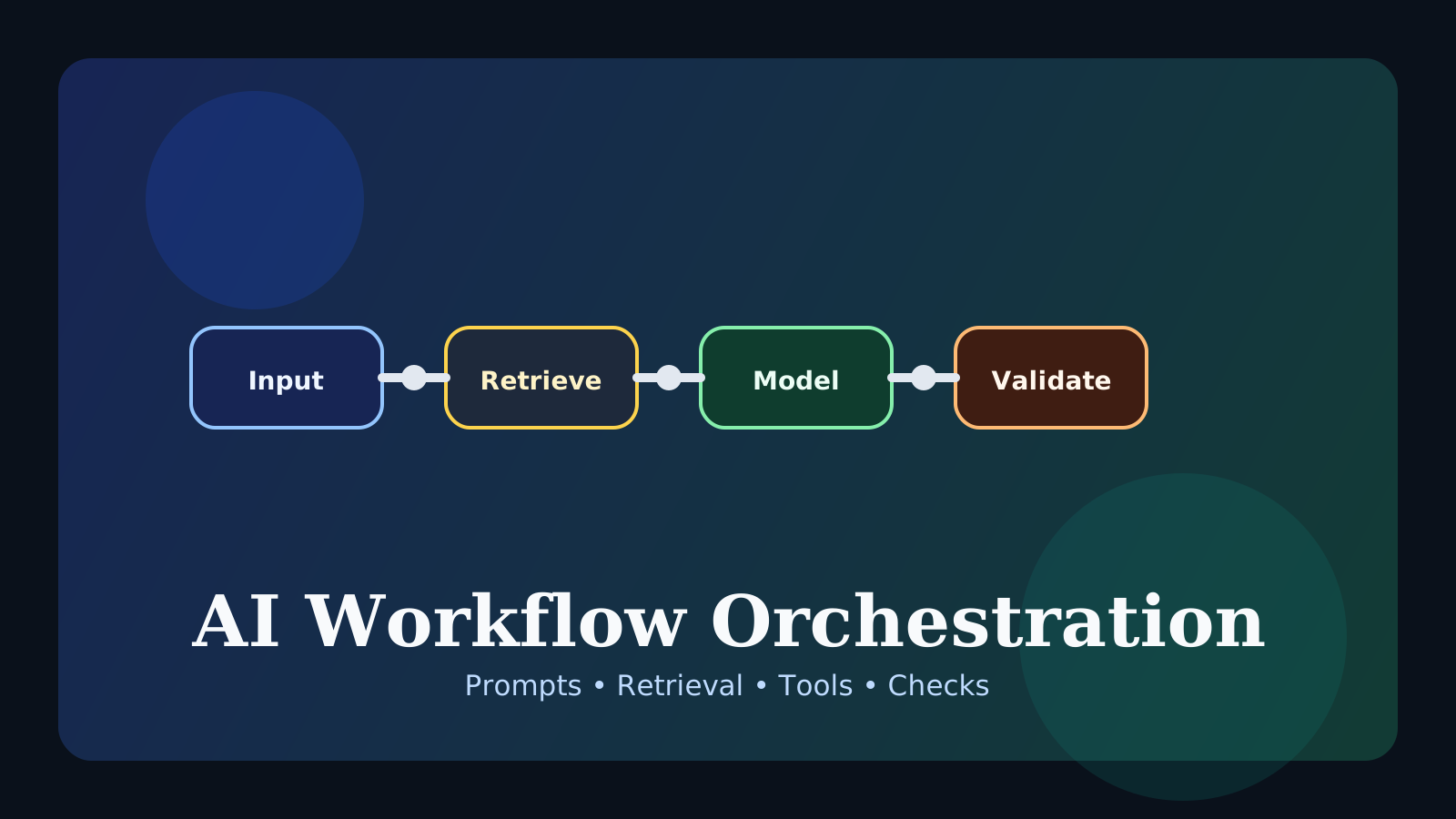
request routing -> retrieval -> prompt assembly -> model call
-> output validation -> retry or fallback -> logging and evaluation
The important shift is to stop thinking of the model call as the whole product. In production:
- the wrong documents can make a strong model answer badly
- missing tools can make the system powerless
- weak validation can break format guarantees
- no fallback can turn small failures into full failures
That is why AI quality is usually created by the model and the workflow together.
Why one model is not enough
The model is still central, but real product quality usually depends on questions like:
- did the system attach the right and current information?
- did it choose the correct path for this request type?
- can it safely call the tools it needs?
- does the output follow policy and format requirements?
- what happens when retrieval, tools, or the model itself fails?
Imagine a support assistant answering a refund-policy question. The important issues are not only whether the model is strong. They are also:
- did it retrieve the latest refund policy?
- did it answer using the right document version?
- did it avoid overclaiming?
- can it escalate to a human if the documentation is insufficient?
That is why AI product quality is the sum of model quality and system design quality.
The core building blocks of orchestration
Production systems vary, but the same building blocks appear again and again.
1. Routing
Not every request should follow the same path. One of the first orchestration decisions is often: what kind of request is this?
For example:
- simple FAQ goes through a lightweight prompt path
- knowledge-heavy questions go through a RAG path
- operational requests go through a tool-calling path
- sensitive actions go through a human-review path
So the first step is often not “make everything more complex.” It is send each request through the right amount of workflow.
2. Retrieval
Models do not automatically know your newest documents, internal knowledge, or changing policies. Retrieval brings that context in when it matters.
This stage depends on details such as:
- how documents are chunked
- whether the right context is actually found
- whether too much context is injected and starts polluting the prompt
Weak retrieval can make even a strong model look unreliable. This is why orchestration connects so naturally with the RAG Guide.
3. Tool Calling
Once a system needs to do something beyond text generation, tool calling becomes part of the workflow.
Common examples include:
- checking order status
- calling internal APIs
- executing code
- querying live product, weather, or finance data
- creating tickets or updating a record
As soon as tools enter the picture, orchestration becomes much more important because the failure surface expands: API timeouts, permission errors, malformed arguments, partial success, and retries all become part of the design.
4. Prompt Assembly
The quality of a model call depends heavily on what context is assembled around it.
The important questions are usually not only how well the prompt is worded, but:
- what information gets included
- what gets excluded
- in what order the context appears
- what output contract is requested
So prompting is partly prompt-writing skill, but often even more a context-structure design problem.
5. Validation
Many teams add this too late. Model outputs often:
- break JSON or schema requirements
- omit required fields
- make unsupported claims
- violate style or policy constraints
Validation reduces those problems. Depending on the product, it can include:
- schema validation
- citation checks
- policy checks
- confidence-based retry logic
Without validation, an AI feature may look good in demos and then start falling apart in production.
6. Fallback and recovery
Good orchestration does not pretend failure will disappear. It decides how failure degrades.
Common fallback patterns include:
- retrieval is weak, so the system says it does not know
- tool calling fails, so the system returns a limited read-only answer
- schema validation fails, so the output is repaired or regenerated
- a sensitive case is handed to a human instead
Without this layer, small breaks tend to become full feature failure.
7. Evaluation and observability
AI systems do not stay stable just because the prompt stayed the same. Documents change, request patterns shift, models are upgraded, and quality can drift.
That makes observability part of orchestration too. Teams usually want to record things like:
- which route the request took
- which documents were retrieved
- tool-call success and failure rates
- validation failure rate
- response latency and token cost
Without that visibility, it becomes very hard to explain why quality suddenly dropped. This part connects closely to the LLM Evaluation Guide.
Where orchestration starts paying off immediately
The concept can sound abstract until you look at where it matters in real products.
1. Document-based Q&A
As soon as RAG is involved, retrieval quality, prompt assembly, and citation validation become decisive.
2. Multi-step task handling
When a workflow needs request interpretation, data lookup, tool use, and final explanation, the pipeline design usually matters more than the raw model choice.
3. Structured output systems
If the output must become JSON, a ticket, a label set, or a database-ready object, validation and repair steps are no longer optional.
4. Products with hard latency and cost limits
Using the largest model with the longest prompt for every request gets expensive very quickly. Smaller-model routing, caching, retrieval optimization, and conditional tool use are all orchestration problems. This is why the topic connects directly to the AI Latency Optimization Guide.
How orchestration relates to agents
The two ideas overlap, but they are not the same.
- an
agentis closer to the loop that decides what to do next orchestrationis closer to the execution layer that defines what steps exist, how they connect, and how they fail safely
A useful mental model is:
- agent: chooses the next move
- orchestration: defines the pipeline, constraints, recovery paths, and wiring
That is why agent systems still depend on good orchestration underneath. This becomes clearer when paired with the AI Agent Guide.
You do not need a giant orchestration system on day one
One common beginner mistake is to think AI systems only become “real” when they are highly complex. In practice, good orchestration is not about having many stages. It is about using the right few stages.
A small but useful starting pipeline is often:
- classify the request
- retrieve the needed context
- call the model
- validate the output
- apply a simple fallback if something breaks
Even that small design is often far more reliable than a single prompt call with no surrounding structure.
Common misunderstandings
1. A strong model means orchestration can stay minimal
Strong models still fail inside weak retrieval, broken tools, missing validation, or poor fallback design.
2. Orchestration only matters for large companies
Even small products need it as soon as retrieval, structured outputs, or tool use appear.
3. More steps always mean a smarter system
Extra stages can increase cost, latency, and failure points. The goal is not more workflow. It is better workflow.
4. Once orchestration is built, it is done
In practice, it needs ongoing adjustment through logs, evaluations, and failure review.
FAQ
Q. What should beginners connect first?
routing + retrieval + validation is one of the best first combinations. It quickly shows why workflow design matters more than a single prompt alone.
Q. Is orchestration the same as workflow automation?
They overlap, but AI orchestration cares much more about model context, hallucination risk, tool failures, and output quality control.
Q. Does orchestration matter only when agents are involved?
No. Even a simple RAG app, extractor, classifier, or support assistant benefits a lot from better workflow design.
Read Next
- For retrieval-heavy systems, continue with the RAG Guide.
- For speed and cost tradeoffs, go next to the AI Latency Optimization Guide.
- For reducing unsupported answers structurally, read the AI Hallucination Reduction Guide.
- For the agent perspective, pair this with the AI Agent Guide.
- For tool and external-system connections, continue with the Tool Calling Guide and the MCP Guide.
Start Here
Continue with the core guides that pull steady search traffic.
- Middleware Troubleshooting Guide: Where to Start With Redis, RabbitMQ, or Kafka A practical middleware troubleshooting hub covering how to choose the right first branch when systems using Redis, RabbitMQ, and Kafka show cache drift, queue backlog, or consumer lag.
- Kubernetes CrashLoopBackOff: What to Check First A practical Kubernetes CrashLoopBackOff troubleshooting guide covering startup failures, probe issues, config mistakes, and what to inspect first.
- Technical Blog SEO Checklist for Astro: What to Fix Before You Wait for Traffic A practical Astro SEO checklist for technical blogs covering deployed-site checks, robots.txt, sitemap, canonical, hreflang, structured data, page-role metadata, noindex decisions, and verification commands.
- Canonical and hreflang Setup for Multilingual Blogs: What to Check and What Breaks A practical guide to canonical and hreflang setup for multilingual blogs, covering self-canonicals, reciprocal hreflang clusters, x-default, category pages, rendered HTML checks, and the mistakes that make one language version suppress another.
- OpenAI Codex CLI Setup Guide: Install, Auth, and Your First Task A practical OpenAI Codex CLI setup guide covering installation, sign-in, the first interactive run, Windows notes, and the safest workflow for your first real task.