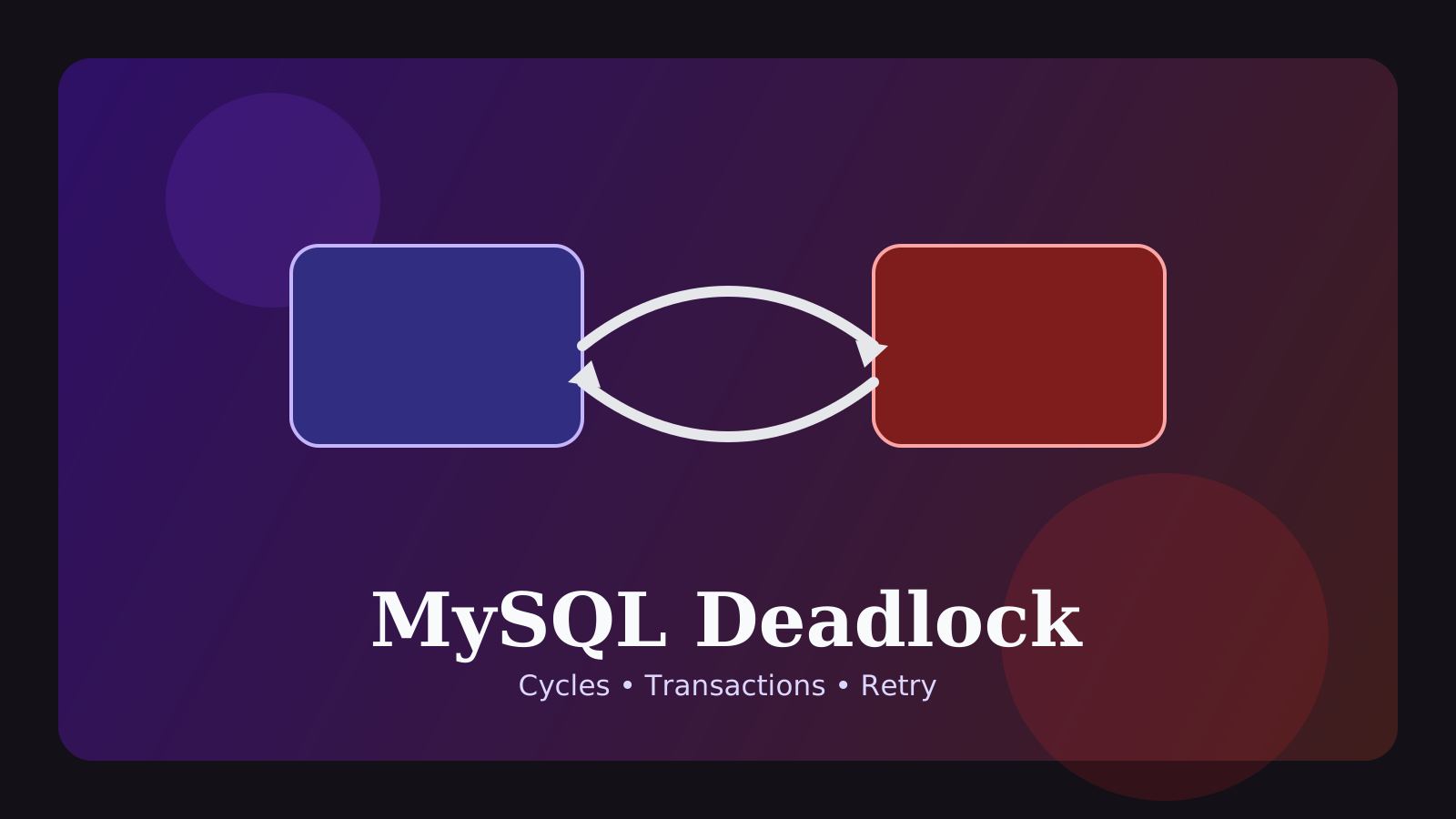
During a Black Friday sale, our order system started throwing deadlock errors every few seconds. Two services were updating orders and inventory in opposite order — Service A locked orders then inventory, while Service B did the reverse. Standardizing the lock acquisition order across all services brought deadlock errors from 40/hour to zero.
When teams see deadlock found when trying to get lock, the first reaction is usually to add retries. Retries can be useful, but they do not explain why the conflict happened. In most production systems, a deadlock is a sign that multiple transactions are touching the same resources in different orders, or locking a wider range than the application realizes.
That is why deadlock debugging is usually less about staring at one failed query and more about reconstructing the concurrent workflow around it: which transactions were alive, what they touched, in what order, and for how long.
This guide focuses on the practical questions that matter most:
- what a deadlock actually means in MySQL
- how it differs from a lock wait timeout
- what to inspect in
SHOW ENGINE INNODB STATUS - which transaction patterns create deadlocks most often
- where retries help and where they simply hide the root cause
The short version is this: a deadlock is usually not “random database instability.” It is a structural conflict between write paths.
Quick answer
A practical workflow for MySQL deadlocks looks like this:
- capture the failing SQL and the request or job path around the incident
- inspect
SHOW ENGINE INNODB STATUS\Gfor the latest detected deadlock - compare which tables, indexes, rows, or ranges each transaction touched
- check whether the two flows access shared resources in different orders
- review whether transactions stay open too long or include unrelated work
- verify whether missing or weak supporting indexes widened the locking scope
- add retries only as an idempotent safety layer with backoff, not as the main fix
So the goal is not simply “retry the failed statement.” It is reconstructing the conflict pattern and shrinking the overlap that produced it.
1. What a deadlock really is
A deadlock happens when two or more transactions each wait for a lock held by the other, which creates a circular wait that cannot resolve on its own.
A simple example looks like this:
-- transaction A
START TRANSACTION;
UPDATE accounts
SET balance = balance - 100
WHERE id = 1;

-- transaction B
START TRANSACTION;
UPDATE accounts
SET balance = balance + 100
WHERE id = 2;

-- A tries to touch id = 2
-- B tries to touch id = 1
Now A waits for B and B waits for A. Since neither can progress, InnoDB detects the cycle and rolls one transaction back.
One subtle but important point: the transaction that gets rolled back is not automatically the “bad query.” It may just be the victim that MySQL chose to abort. The real problem is often the interaction pattern between two code paths.
2. How this differs from lock wait timeout
Both errors involve locks, but the structure is different.
lock wait timeout: one transaction waits too long for another transaction to release a lockdeadlock: transactions wait on each other in a cycle
That difference changes the debugging focus.
For a lock wait timeout, the main questions are usually:
- who was blocking?
- why did that transaction remain open so long?
For a deadlock, the main questions are usually:
- which two flows crossed in an unsafe order?
- what lock footprint made the circular wait possible?
The mitigation path is different too.
- increasing
innodb_lock_wait_timeoutcan sometimes soften lock wait timeout symptoms - it does not fix deadlocks, because deadlocks are detected as structurally impossible waits and MySQL resolves them immediately by rolling one side back
So if you start with timeout tuning for a deadlock problem, you are often optimizing the wrong thing.
For the broader “who is blocking whom” side of lock contention, the MySQL Lock Wait Timeout Guide is the natural companion.
3. Patterns that create deadlocks most often in real systems
Most production deadlocks fall into a handful of familiar patterns.
Different access order across flows
One path updates users -> orders, while another updates orders -> users. Both flows are valid in isolation, but together they create a circular-wait risk.
This shows up often between:
- request handlers and background workers
- admin batch jobs and user-facing writes
- different services touching the same core tables
Transactions that touch too many rows
Large batch writes, unsorted ID lists, and wide update loops all increase the chance that two transactions will overlap in incompatible ways.
Weak supporting indexes
From the application side, it may look like the code only touches a small number of rows. But the actual execution path may scan or lock a much wider index range. In that case, the deadlock is not just about the SQL text. It is about a larger lock footprint than the team expected.
Slow work inside a transaction
External API calls, heavy business logic, or long loops inside one transaction extend how long locks stay alive. That does not always create the cycle directly, but it makes crossing patterns much easier to trigger.
4. What to inspect first during an incident
When a deadlock is live or has just happened, a high-value starting point is:
SHOW ENGINE INNODB STATUS\G
SHOW FULL PROCESSLIST;
In SHOW ENGINE INNODB STATUS\G, the most useful section is usually LATEST DETECTED DEADLOCK.
Look closely for:
- the SQL text for each transaction
- the tables and indexes involved
- the lock mode being waited on
- which transaction MySQL chose to roll back
SHOW FULL PROCESSLIST helps you understand what else was happening around the same time.
Look for:
- sessions that have been alive unexpectedly long
- workers or jobs that spike together with the incident
- sessions that suggest broader lock pressure at the same moment
If deadlocks are infrequent and hard to catch, it is common to temporarily enable innodb_print_all_deadlocks = ON so MySQL writes deadlock details to the error log.
The key idea is simple: the failed request alone is not enough context. You want the surrounding concurrent state too.
5. A practical order for tracing the root cause
Deadlock output can feel noisy at first. This sequence usually makes it manageable.
1. Identify the failing endpoint, worker, or batch
Ask:
- which API path failed?
- which worker was running?
- which batch job overlapped with it?
- what else was active at the same time?
Deadlocks are about the meeting point between flows, so the request path matters almost as much as the SQL.
2. Re-read the transaction boundary in code
Something that looks like “one quick update” in logs may actually include:
- ORM relation loading
- validation logic
- multiple repository calls
- external side effects before commit
Teams regularly underestimate how much work really happens inside an open transaction.
3. Write out the access order side by side
For example:
- checkout flow:
inventory -> orders -> payments - admin cancel flow:
orders -> inventory -> refunds
Just writing the resource order out like this often reveals the conflict immediately.
4. Check whether the lock is a row problem or a range problem
Deadlocks are not limited to one shared primary key. Range predicates, secondary indexes, and broader scans can widen the overlap area.
That is why you should ask:
- does the
WHEREclause have a strong supporting index? - is the query scanning more rows than the business operation suggests?
- could the isolation level and access path be producing a larger locked range?
For the execution-plan side of that analysis, the MySQL EXPLAIN Guide and the MySQL Index Design Guide fit directly here.
5. Ask why this started happening now
Sometimes the code has existed for months, but deadlocks spike only after:
- traffic increases
- a new worker is added
- batch timing changes
- a new filter or ordering condition is introduced
- data volume grows past the point where weak indexing becomes visible
So a deadlock incident is often not a brand-new bug. It is an old fragile interaction that new operating conditions finally exposed.
6. Why consistent access order helps so much
One of the most reliable ways to reduce deadlocks is to make different flows lock shared resources in the same order.
If multiple write paths eventually touch account, invoice, and ledger, it is safer when every path follows the same sequence:
accountinvoiceledger
The same principle applies to bulk work. If workers update lists of IDs in inconsistent order, they are more likely to interleave badly. That is why small conventions can have outsized impact:
- sort IDs before processing
- keep lock acquisition order stable
- document shared write-order rules across services and jobs
A surprising number of deadlocks shrink after nothing more glamorous than agreeing on one locking order.
7. Why transaction scope and query shape matter too
If you focus only on ordering, you only solve half the problem. Even with better ordering, deadlocks can remain frequent when transactions are too large or the query path locks more than expected.
High-risk patterns include:
- iterating through large batches inside one transaction
- using
SELECT ... FOR UPDATEover a broader set than intended - weak secondary-index support that widens the scanned range
- packing too many updates into one open transaction
So deadlock prevention usually depends on two questions at the same time:
- can we make the access order consistent?
- can we shrink the transaction and lock footprint?
Typical improvements include:
- adding stronger supporting indexes
- reducing batch size
- splitting one long transaction into smaller units
- moving external calls or heavy computation outside the transaction boundary
In other words, deadlocks are both an ordering problem and a transaction-design problem.
8. Retries help, but they are not the root fix
Because MySQL resolves a deadlock by aborting one transaction, application-level retries are often reasonable. But they come with conditions.
- the operation should be idempotent
- duplicate execution should not create harmful side effects
- retries should be limited and usually use backoff
- deadlock rate and retry rate should still be monitored
Retries are useful because they smooth over occasional collisions for users. But if they become the only answer:
- the conflict pattern remains
- higher traffic will bring the problem back
- retry storms can add more load at exactly the wrong time
So retries are an airbag. The real fix is still reducing the circular-wait pattern underneath.
9. Common mistakes
1. Treating deadlocks as random transient database noise
Rare deadlocks can happen in healthy systems, but repeated deadlocks almost always point to a repeatable structural issue.
2. Tuning only the statement that got rolled back
The failed statement may be the victim, not the cause. If you ignore the other transaction, you often fix the symptom and keep the conflict.
3. Reaching for timeout or connection settings first
Increasing connection capacity or waiting thresholds does not remove a circular lock dependency.
4. Assuming retries mean the job is finished
Retries may improve user experience, but persistent deadlocks still cost throughput, operational time, and system headroom.
FAQ
Q. Do deadlocks always mean the database is unhealthy?
No. Under concurrency, occasional deadlocks can be normal. The goal is usually to reduce repeated patterns and keep important paths resilient.
Q. What should I change first?
Compare a few recent deadlock traces and look for the same crossed access order or oversized transaction boundary. That shared pattern is often the best first fix.
Q. Should we remove transactions to avoid deadlocks?
Usually no. The problem is rarely “transactions exist.” It is more often that the transaction is too broad, too slow, or inconsistent in how it acquires locks.
Read Next
- For the broader blocker-focused view of lock contention, continue with the MySQL Lock Wait Timeout Guide.
- For transaction boundaries, commit/rollback behavior, and safer write flows, read the MySQL Transaction Guide.
- For access-path causes that widen locking scope, pair this with the MySQL EXPLAIN Guide and the MySQL Index Design Guide.
Start Here
Continue with the core guides that pull steady search traffic.
- Middleware Troubleshooting Guide: Where to Start With Redis, RabbitMQ, or Kafka A practical middleware troubleshooting hub covering how to choose the right first branch when systems using Redis, RabbitMQ, and Kafka show cache drift, queue backlog, or consumer lag.
- Kubernetes CrashLoopBackOff: What to Check First A practical Kubernetes CrashLoopBackOff troubleshooting guide covering startup failures, probe issues, config mistakes, and what to inspect first.
- Technical Blog SEO Checklist for Astro: What to Fix Before You Wait for Traffic A practical Astro SEO checklist for technical blogs covering deployed-site checks, robots.txt, sitemap, canonical, hreflang, structured data, page-role metadata, noindex decisions, and verification commands.
- Canonical and hreflang Setup for Multilingual Blogs: What to Check and What Breaks A practical guide to canonical and hreflang setup for multilingual blogs, covering self-canonicals, reciprocal hreflang clusters, x-default, category pages, rendered HTML checks, and the mistakes that make one language version suppress another.
- OpenAI Codex CLI Setup Guide: Install, Auth, and Your First Task A practical OpenAI Codex CLI setup guide covering installation, sign-in, the first interactive run, Windows notes, and the safest workflow for your first real task.