Sometimes an API feels slow even though the application code looks clean. No single SQL query looks disastrous, yet response time is high and database connections stay busy under load. A very common hidden reason is the N+1 query problem.
This issue hides especially well in ORM-based code. Something that looks like natural property access such as post.author can trigger dozens or hundreds of extra queries behind the scenes after the initial list query.
This post is designed to answer four practical questions:
- what an N+1 query problem actually is
- why it appears so often with ORMs
- how to detect it quickly in production-style systems
- when to use
JOIN, eager loading, or batch fetch patterns
The short version: N+1 is usually not about one terrible query. It is about a structural explosion in unnecessary database round trips.

Quick answer
If you want the fastest practical workflow for MySQL N+1 query problems, use this sequence:
- count how many SQL statements a single request executes
- look for repeated patterns like
SELECT ... WHERE id = ? - confirm whether one parent query is followed by N child lookups
- when the needed related data is clear, preload it with
JOINor eager loading - when a big join would explode rows, use batch fetch instead of N separate reads
- compare query count and response time after the change
The core goal is not just to make one query faster. It is to reduce how many times one request has to go back and forth to the database.
1. What is an N+1 query problem?
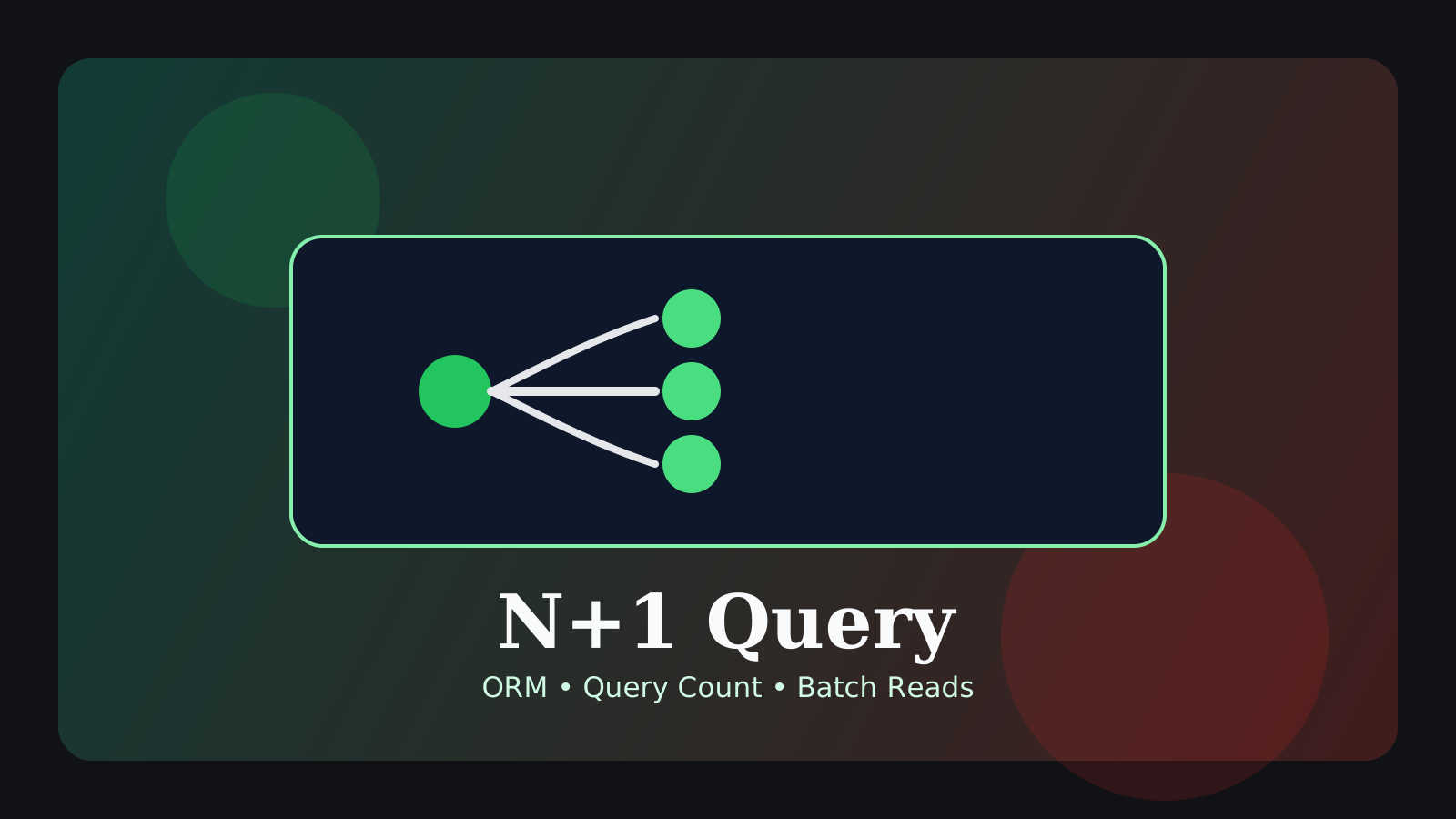
The classic pattern is simple: first you read a parent list, then for each parent row you read related data again in a separate query.
Imagine loading 100 posts and then loading the author for each post one by one.
SELECT id, title, author_id
FROM posts
ORDER BY created_at DESC
LIMIT 100;
Then the application issues this query repeatedly:
SELECT id, name
FROM users
WHERE id = ?;
That means:
- one query for the posts
- 100 more queries for the authors
So you end up with 101 queries in total. That is the classic N+1 shape.
The important point is that none of those individual queries has to be terribly slow for the whole request to become expensive. Even 5ms queries become a real bottleneck when repeated enough times.
2. Why does this hide so well with ORMs?
This is not really an argument against ORMs. ORMs are often extremely productive. The problem is that they make data access feel so natural that query-count explosions become hard to see from the application code alone.
For example, code may look like this:
for (const post of posts) {
  console.log(post.author.name);
}
To the developer, that can look like harmless property access. But depending on lazy-loading behavior or relation configuration, it may actually mean:
- one query to load
posts - one extra query every time
post.authoris accessed
So clean-looking code and healthy SQL behavior are not the same thing.
That is why, in ORM-heavy applications, the more important habit is not “does the code look elegant?” but “how many queries does this request really execute?“
3. Why does N+1 hurt performance so much?
N+1 is not only about query count. In real systems it multiplies several kinds of cost at once:
- more database round trips
- more network overhead
- longer connection occupancy
- more application wait time
This becomes much worse under concurrency. If one request causes 100 extra queries, then 50 concurrent requests can force the database to process a huge number of tiny lookups in a short window.
So the real problem is less “one query is bad” and more “the system is repeating unnecessary work far too many times.”
4. How do you detect N+1 quickly in practice?
In real work, teams often discover N+1 through symptoms before they name the pattern. These are common warning signs:
- a single list API executes far more SQL than expected
- similar
SELECT ... WHERE id = ?statements repeat in a short window - ORM debug logs show the same query shape over and over
- no single query looks catastrophic, but total response time is still high
The easiest place to start is counting SQL statements per request.
For example:
- 2 or 3 queries for a list endpoint may be perfectly normal
- 41, 81, or 121 queries for that same endpoint strongly suggests N+1
If logs show a sequence like this, the pattern is usually obvious:
SELECT id, title, author_id FROM posts ...;
SELECT id, name FROM users WHERE id = 11;
SELECT id, name FROM users WHERE id = 42;
SELECT id, name FROM users WHERE id = 87;
SELECT id, name FROM users WHERE id = 15;
That is the signature of “one parent query followed by repeated relation lookups.”
5. First question before fixing it: what data shape does the screen really need?
When teams notice N+1, they often jump straight to “we should join everything.” That is not always the right first move.
A better question is:
“What data shape does this page or API actually need in one response?”
For a post list, the real requirement may be only:
- post title
- author name
- published date
But if you also pull:
- full author profiles
- every comment
- all tags
- full like aggregates
into the list request, you may remove the N+1 problem only to create a different problem: oversized joins and oversized payloads.
So the first real fix is not “load everything at once.” It is “define the minimum data the request truly needs.”
6. Fix option 1: JOIN or eager loading
If the relationship is simple and the related fields are clearly required, the most natural fix is to preload that data.
For example, if a post list definitely needs the author name, a single query can often do the job:
SELECT p.id, p.title, u.name AS author_name
FROM posts p
JOIN users u ON u.id = p.author_id
ORDER BY p.created_at DESC
LIMIT 100;
In ORM terms, this is often done with:
- eager loading
- include / preload options
- fetch joins
This approach tends to work well when:
- the relationship is one-to-one or many-to-one
- the related data is definitely needed on the page
- row explosion risk is limited
Fields like author names or category labels are often good candidates for this.
7. Fix option 2: batch fetch instead of N separate lookups
A large join is not always the best answer. If relationships are more complex or one-to-many fan-out would become too large, a two-step batch fetch can be a better balance.
A common pattern looks like this:
- load 100 posts
- collect their
author_idvalues - load all authors with one
IN (...)query - map the data in application code
At the SQL level, it looks more like this:
SELECT id, title, author_id
FROM posts
ORDER BY created_at DESC
LIMIT 100;

SELECT id, name
FROM users
WHERE id IN (11, 42, 87, 15, ...);
This has several advantages:
- it cuts query count dramatically
- it is often easier to control than a huge join
- related data can be reused more predictably
So “fixing N+1” does not mean “everything must become one query.” It usually means replacing N small relation lookups with a small number of intentional, predictable queries.
8. How do you choose between JOIN and batch fetch?
This is where real judgment matters.
JOIN often fits best when:
- the relationship is simple
- only a few related fields are needed
- row multiplication risk is low
Batch fetch often fits best when:
- relationships go through multiple layers
- a huge join would blow up row count
- assembling the final shape in application code is simpler
The important point is that the right decision is not “always JOIN” or “always use ORM include.” The real question is how to balance query count against query complexity and row growth.
In other words:
- are we paying too much because there are too many queries?
- or are we about to pay too much because one big join will create too many rows?
Good fixes answer both questions together.
9. Where does N+1 show up most often?
N+1 appears very often in:
- list pages
- relation-heavy pages such as comments, authors, and tags
- admin tables and reporting screens
- serializer or DTO mapping code that repeatedly touches relations
Any place where the application loads a parent list and then walks each row to fetch related objects is a strong candidate.
Typical examples include:
- a post list that separately loads author, tag, and comment data per row
- an order list that separately loads customer, address, and payment status per row
- an admin table that fires aggregate queries once for every displayed row
These patterns are easy to miss on small datasets and then suddenly become painful when traffic or data volume grows.
10. What should you compare after the fix?
If the conclusion is only “it feels faster now,” the same mistake usually returns later. At minimum, compare:
- SQL count per request
- response time
- connection usage
- repeated-query frequency
For example, a change from:
- 101 SQL statements
- 1.2s response time
to:
- 3 SQL statements
- 220ms response time
shows that the improvement was not only about query count. It also reduced round trips and wait time across the whole request.
That is why N+1 fixes are often less like “micro SQL tuning” and more like making the request architecture itself more efficient.
Common misunderstandings
1. The ORM will optimize it automatically
Some frameworks help, but they do not reliably optimize every relationship access pattern on their own.
2. If each query is fast, there is no real problem
Enough individually fast queries can still add up to a large bottleneck.
3. A JOIN always solves it
Not always. In one-to-many-heavy cases, a large join can create row explosion and extra processing cost.
4. Small apps can ignore it until later
It may stay hidden early on, but it often turns into a real operational problem suddenly as data and traffic grow.
FAQ
Q. What is the fastest way to spot N+1?
Count queries per request, then inspect ORM debug output or SQL logs for repeated patterns like SELECT ... WHERE id = ?.
Q. Does eager loading automatically make everything fine?
No. It is extremely useful for simple relationships, but when row growth becomes too large, batch fetch or a different shape may be better.
Q. Should I still check EXPLAIN after removing N+1?
Yes. N+1 is mainly a query-count problem, but the replacement query can still be inefficient if its plan is poor.
Read Next
- If you want to inspect the plan of the new combined query, continue with the MySQL EXPLAIN Guide.
- For the broader workflow of narrowing MySQL performance problems, read the MySQL Query Optimization Checklist.
- For a wider view of read volume and join cost, the MySQL Slow Query Guide is a strong companion.
Start Here
Continue with the core guides that pull steady search traffic.
- Middleware Troubleshooting Guide: Where to Start With Redis, RabbitMQ, or Kafka A practical middleware troubleshooting hub covering how to choose the right first branch when systems using Redis, RabbitMQ, and Kafka show cache drift, queue backlog, or consumer lag.
- Kubernetes CrashLoopBackOff: What to Check First A practical Kubernetes CrashLoopBackOff troubleshooting guide covering startup failures, probe issues, config mistakes, and what to inspect first.
- Technical Blog SEO Checklist for Astro: What to Fix Before You Wait for Traffic A practical Astro SEO checklist for technical blogs covering deployed-site checks, robots.txt, sitemap, canonical, hreflang, structured data, page-role metadata, noindex decisions, and verification commands.
- Canonical and hreflang Setup for Multilingual Blogs: What to Check and What Breaks A practical guide to canonical and hreflang setup for multilingual blogs, covering self-canonicals, reciprocal hreflang clusters, x-default, category pages, rendered HTML checks, and the mistakes that make one language version suppress another.
- OpenAI Codex CLI Setup Guide: Install, Auth, and Your First Task A practical OpenAI Codex CLI setup guide covering installation, sign-in, the first interactive run, Windows notes, and the safest workflow for your first real task.