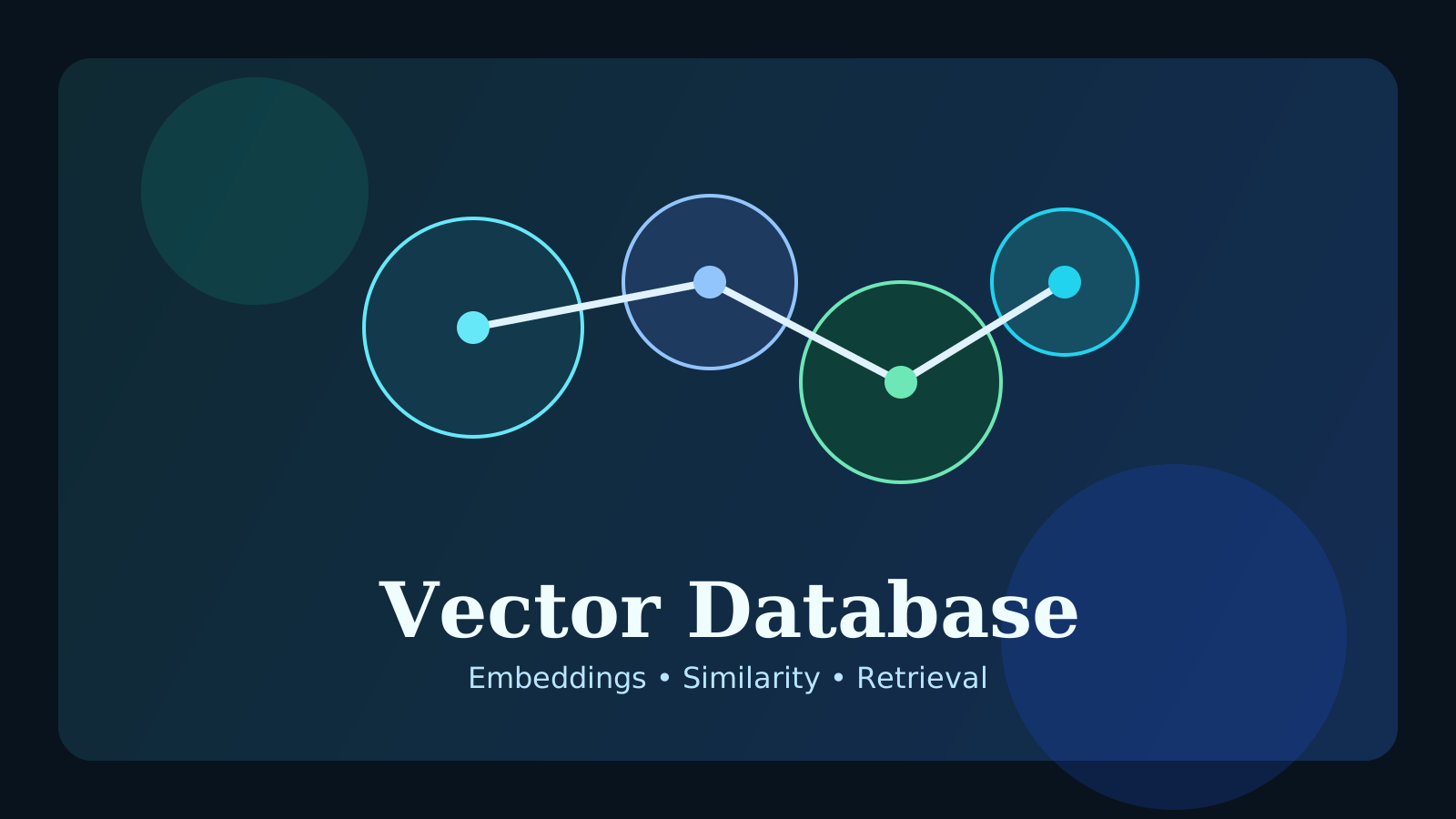
If you study AI search or RAG, you will quickly run into the term vector database. At first it can sound like just another database type, but it is deeply tied to one practical question: how does an AI system find information with similar meaning?
In this post, we will cover:
- what a vector database is
- how it relates to embeddings
- how it differs from a normal database
- why it appears so often in RAG
The key idea is that a vector database is built to find semantically similar information, not just exact text matches.
What is a vector database?
A vector database stores embedding vectors and is optimized for finding vectors that are close to a query vector.
For example, you can convert documents into embeddings and store them. Then when a user asks a question, you convert that question into a vector and search for the most similar document chunks.
So the focus is semantic similarity rather than direct string equality.
How does it relate to embeddings?
A vector database usually works as part of this flow:
- convert documents into embeddings
- store those vectors
- convert the user query into an embedding
- retrieve the nearest vectors
So if embeddings are the process of turning meaning into numbers, the vector database is the system that stores and searches those numbers efficiently.
How is it different from a normal database?
Traditional databases are great for exact lookup and structured filtering.
Examples:
id = 10status = activecreated_at > yesterday
Those are excellent fits for standard queries.
But requests like “find documents that mean something similar to this question” are much harder to solve with plain SQL matching alone. That is where vector similarity search becomes useful.
Why does it appear so often in RAG?
RAG works by retrieving relevant documents first and then passing them into the model as context. The core challenge is deciding which documents to retrieve.
Vector databases are often used there because they make it easier to:
- search by meaning
- search quickly across large document sets
- connect retrieval cleanly into a RAG pipeline
That is why they are such a common building block in retrieval-based AI systems.
Does a vector database solve every search problem?
No. Vector search still has limits.
You may still need:
- exact keyword matching
- freshness filters
- metadata filtering
In practice, many real systems combine vector search, keyword search, and metadata filtering.
Common misunderstandings
1. A vector database is an AI-only database
It is heavily used in AI systems, but its main purpose is efficient vector similarity search.
2. Good embeddings automatically mean good retrieval
Embedding quality matters, but chunking, metadata, and retrieval strategy matter too.
3. RAG always requires a vector database
Not always. Small datasets can work with simpler approaches. But as scale grows, vector retrieval becomes much more useful.
FAQ
Q. Should I use a vector database together with a normal database?
Often yes. Many teams store raw data and metadata in a traditional database while using vector storage for semantic retrieval.
Q. Are vector search results always correct?
No. Similar meaning does not guarantee the ideal document is returned, which is why evaluation and tuning still matter.
Q. What should beginners understand first?
If you understand embeddings, similarity search, and the way RAG uses retrieval, you already have a strong foundation.
Read Next
- To understand where the vectors come from, continue with the Embeddings Guide.
- To see how retrieval feeds model answers, read the RAG Guide.
While AdSense review is pending, related guides are shown instead of ads.
Start Here
Continue with the core guides that pull steady search traffic.
- Middleware Troubleshooting Guide: Redis vs RabbitMQ vs Kafka A practical middleware troubleshooting guide for developers covering when to reach for Redis, RabbitMQ, or Kafka symptoms first, and which problem patterns usually belong to each tool.
- Kubernetes CrashLoopBackOff: What to Check First A practical Kubernetes CrashLoopBackOff troubleshooting guide covering startup failures, probe issues, config mistakes, and what to inspect first.
- Kafka Consumer Lag Increasing: Troubleshooting Guide A practical Kafka consumer lag troubleshooting guide covering what lag usually means, which consumer metrics to check first, and how poll timing, processing speed, and fetch patterns affect lag.
- Kafka Rebalancing Too Often: Common Causes and Fixes A practical Kafka troubleshooting guide covering why consumer groups rebalance too often, what poll timing and group protocol settings matter, and how to stop rebalances from interrupting useful work.
- Docker Container Keeps Restarting: What to Check First A practical Docker restart-loop troubleshooting guide covering exit codes, command failures, environment mistakes, health checks, and what to inspect first.
While AdSense review is pending, related guides are shown instead of ads.