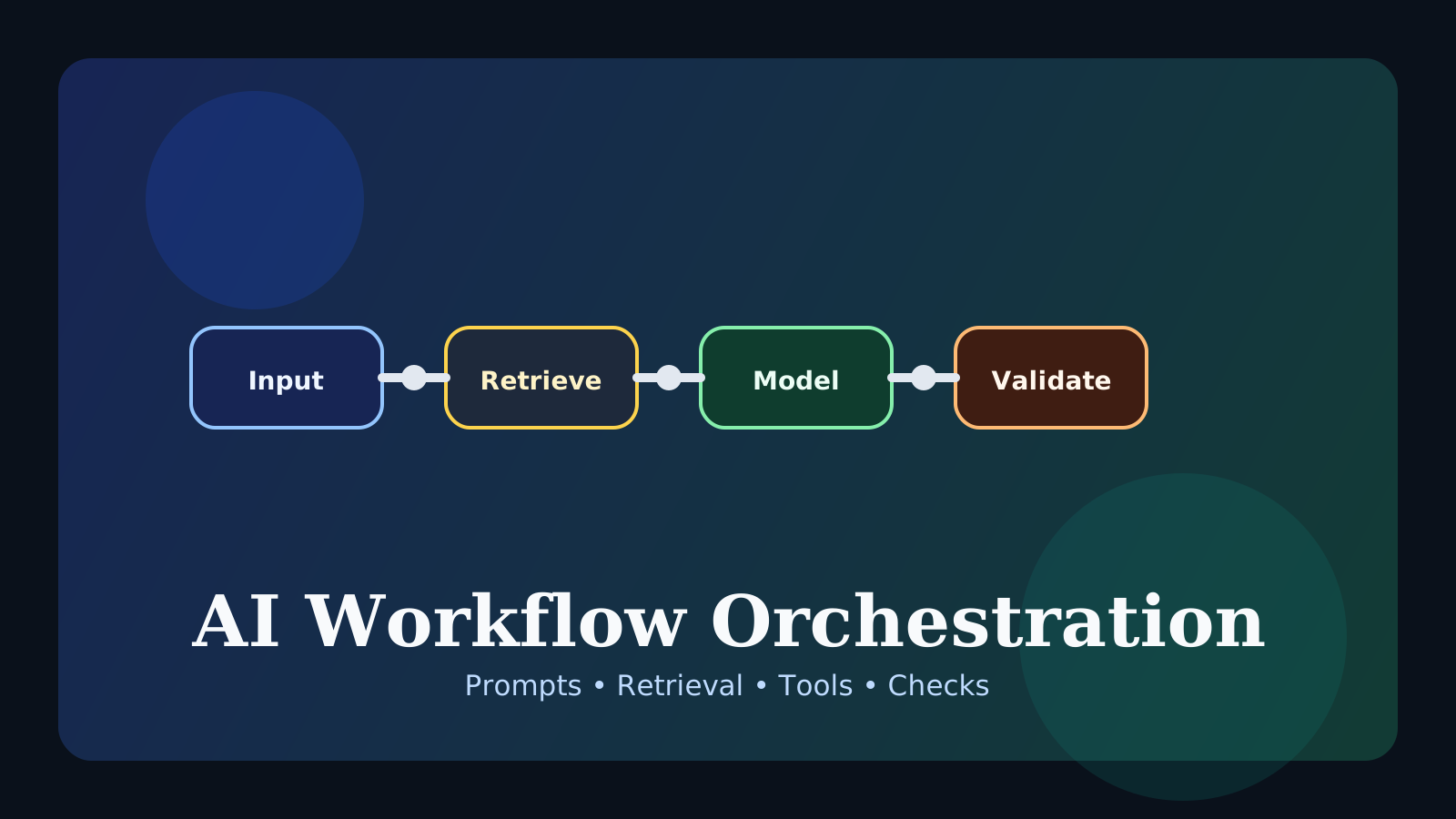
When you start building AI features, one lesson appears quickly: choosing a strong model is not enough to create a strong AI product. Real quality depends heavily on how prompts, retrieval, tool calls, validation, and state are connected.
That broader design perspective is what we can call AI workflow orchestration.
In this post, we will cover:
- what AI workflow orchestration means
- why one model is not enough
- which building blocks are usually involved
- why this matters so much in production
The key idea is that AI product quality depends not only on the model, but on how the whole workflow around the model is designed.
What is AI workflow orchestration?
In simple terms, it is the design of the steps between receiving a user request and producing a final response.
A single request might include steps such as:
- interpret the request
- retrieve relevant documents
- assemble the prompt
- call the model
- validate the output
- post-process and store results
If that flow is designed well, the exact same model can feel much more reliable and useful.
Why is one model not enough?
The model is central, but real-world quality also depends on questions like:
- does the system have the right information?
- can it use fresh data?
- does it follow the required format?
- what happens when something fails?
- is the cost and latency acceptable?
So the model matters, but it is only one part of the full system.
What components usually appear in orchestration?
1. Prompting
This sets the model’s role, task, and constraints.
2. Retrieval
This brings in relevant documents or context.
3. Tool calling
This handles actions that require external APIs or functions.
4. Validation
This checks format compliance, grounding, or rule violations.
5. Memory or state
Longer conversations and multi-step tasks often need condensed memory or explicit state handling.
Why is orchestration so important in practice?
Real systems often run into problems such as:
- documents are too long to send directly
- the system needs up-to-date information
- outputs keep breaking schema requirements
- cost becomes too high
Those issues are often not solved by swapping models alone. Retrieval strategy, caching, validation, and routing frequently matter more.
How is it related to agents?
An agent is closer to a system that decides what to do next. Orchestration is closer to the pipeline that makes those steps possible and reliable.
A useful way to think about it is:
agent: decides what should happen nextorchestration: defines how the workflow is wired together
Common misunderstandings
1. A strong model means orchestration can be minimal
Often the opposite is true. Strong models can still fail badly inside weak workflows.
2. Orchestration only matters at large scale
Even a small project starts needing it once multiple steps and dependencies appear.
3. More orchestration is always better
Not necessarily. Extra steps can add cost, complexity, and failure points.
FAQ
Q. What should beginners connect first?
Prompting, retrieval, and output validation are a very good first combination.
Q. Is orchestration the same as workflow automation?
They overlap, but AI orchestration usually has stronger emphasis on model context, retrieval, and response quality.
Q. Do I need agents before orchestration matters?
No. Even a simple RAG app benefits a lot from workflow design.
Read Next
- For the tool side of the workflow, continue with the Tool Calling Guide.
- For retrieval-centered systems, read the RAG Guide.
While AdSense review is pending, related guides are shown instead of ads.
Start Here
Continue with the core guides that pull steady search traffic.
- Middleware Troubleshooting Guide: Redis vs RabbitMQ vs Kafka A practical middleware troubleshooting guide for developers covering when to reach for Redis, RabbitMQ, or Kafka symptoms first, and which problem patterns usually belong to each tool.
- Kubernetes CrashLoopBackOff: What to Check First A practical Kubernetes CrashLoopBackOff troubleshooting guide covering startup failures, probe issues, config mistakes, and what to inspect first.
- Kafka Consumer Lag Increasing: Troubleshooting Guide A practical Kafka consumer lag troubleshooting guide covering what lag usually means, which consumer metrics to check first, and how poll timing, processing speed, and fetch patterns affect lag.
- Kafka Rebalancing Too Often: Common Causes and Fixes A practical Kafka troubleshooting guide covering why consumer groups rebalance too often, what poll timing and group protocol settings matter, and how to stop rebalances from interrupting useful work.
- Docker Container Keeps Restarting: What to Check First A practical Docker restart-loop troubleshooting guide covering exit codes, command failures, environment mistakes, health checks, and what to inspect first.
While AdSense review is pending, related guides are shown instead of ads.