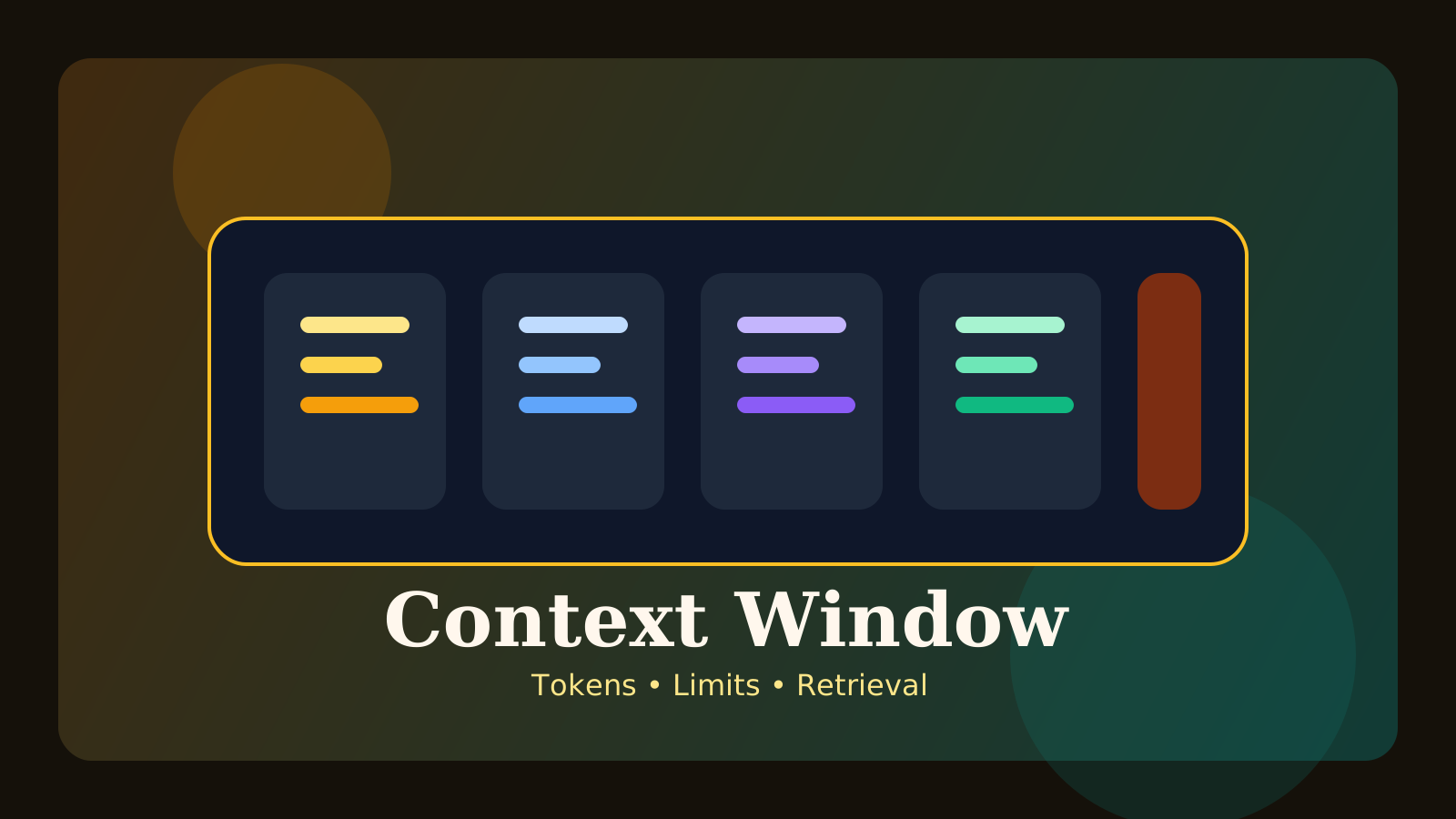
When you read about modern LLMs, you often see people mention a model’s context window. For beginners, that phrase can feel abstract. What does it actually mean, and why does everyone care about it?
A simple definition is this: the context window is the amount of input the model can use in a single pass. That includes the system prompt, the user’s message, previous chat history, retrieved documents, and tool results.
In this post, we will cover:
- what a context window is
- why token limits matter
- what goes wrong in long chats and long documents
- how teams handle this in practice
The key idea is that a bigger context window is useful, but what matters even more is whether the model can use the right information reliably.
What is a context window?
An LLM cannot process unlimited input in one shot. It works within a bounded token range. That bounded working range is the context window.
It often includes:
- system instructions
- user input
- previous conversation turns
- retrieved documents
- tool outputs
So this is not just about “how many pages it can read.” It is closer to the model’s active working space for the current response.
Why does it matter?
As AI applications become more capable, they often need more information in the prompt.
Examples:
- long-document summarization
- multi-document comparison
- long-running chat sessions
- coding assistants that inspect parts of a repository
If the context window is small, you have to cut information out. If it is larger, you can fit more context into the same request.
Why a larger window is not the whole answer
This is where many beginners get confused. A larger window lets you include more data, but that does not automatically mean the model will use it well.
Problems can still appear:
- important details get buried
- noisy context makes reasoning worse
- cost grows
- latency grows
So “more context” and “better context” are not the same thing.
Common problems in long chats
In chat systems, older instructions and facts move farther back as the conversation grows. That can lead the model to:
- forget earlier constraints
- repeat questions
- lose the requested style
- drift away from earlier conclusions
That is why long conversations often rely on summaries, memory layers, or condensed state rather than endlessly appending raw history.
How do teams handle long documents?
If a document is very long, teams often avoid dumping everything into one prompt. Instead, they use strategies like:
- chunking
- retrieval
- section summaries
- step-by-step questioning
Even with a large context window, structure still matters.
How does this relate to RAG?
RAG is often used to select only the most relevant document chunks and place them into context. That is especially helpful when context space is limited.
Instead of sending all documents at once, you bring in only what the current question needs. That can:
- reduce cost
- reduce noise
- improve accuracy
So context windows and RAG are usually complementary rather than competing ideas.
Common misunderstandings
1. A bigger context window means the model perfectly remembers everything
No. Fitting information into the window and using it effectively are different things.
2. Long documents should always be pasted in whole
That can bury the important parts and make answers worse.
3. Context limits are solved only by switching to a newer model
Model choice matters, but chunking and retrieval design often make a bigger difference than people expect.
FAQ
Q. Is a context window the same as memory?
Not exactly. It is closer to the bounded input space available for the current response.
Q. Are larger context windows always more expensive?
In practice, more input often means more cost and latency, so quality and efficiency both matter.
Q. Do I need a huge context window to handle long documents?
Not always. Good chunking and retrieval strategies can go a long way.
Read Next
- To see how retrieved context is used in practice, continue with the RAG Guide.
- For model comparison in real workflows, read the LLM Benchmark Guide.
While AdSense review is pending, related guides are shown instead of ads.
Start Here
Continue with the core guides that pull steady search traffic.
- Middleware Troubleshooting Guide: Redis vs RabbitMQ vs Kafka A practical middleware troubleshooting guide for developers covering when to reach for Redis, RabbitMQ, or Kafka symptoms first, and which problem patterns usually belong to each tool.
- Kubernetes CrashLoopBackOff: What to Check First A practical Kubernetes CrashLoopBackOff troubleshooting guide covering startup failures, probe issues, config mistakes, and what to inspect first.
- Kafka Consumer Lag Increasing: Troubleshooting Guide A practical Kafka consumer lag troubleshooting guide covering what lag usually means, which consumer metrics to check first, and how poll timing, processing speed, and fetch patterns affect lag.
- Kafka Rebalancing Too Often: Common Causes and Fixes A practical Kafka troubleshooting guide covering why consumer groups rebalance too often, what poll timing and group protocol settings matter, and how to stop rebalances from interrupting useful work.
- Docker Container Keeps Restarting: What to Check First A practical Docker restart-loop troubleshooting guide covering exit codes, command failures, environment mistakes, health checks, and what to inspect first.
While AdSense review is pending, related guides are shown instead of ads.