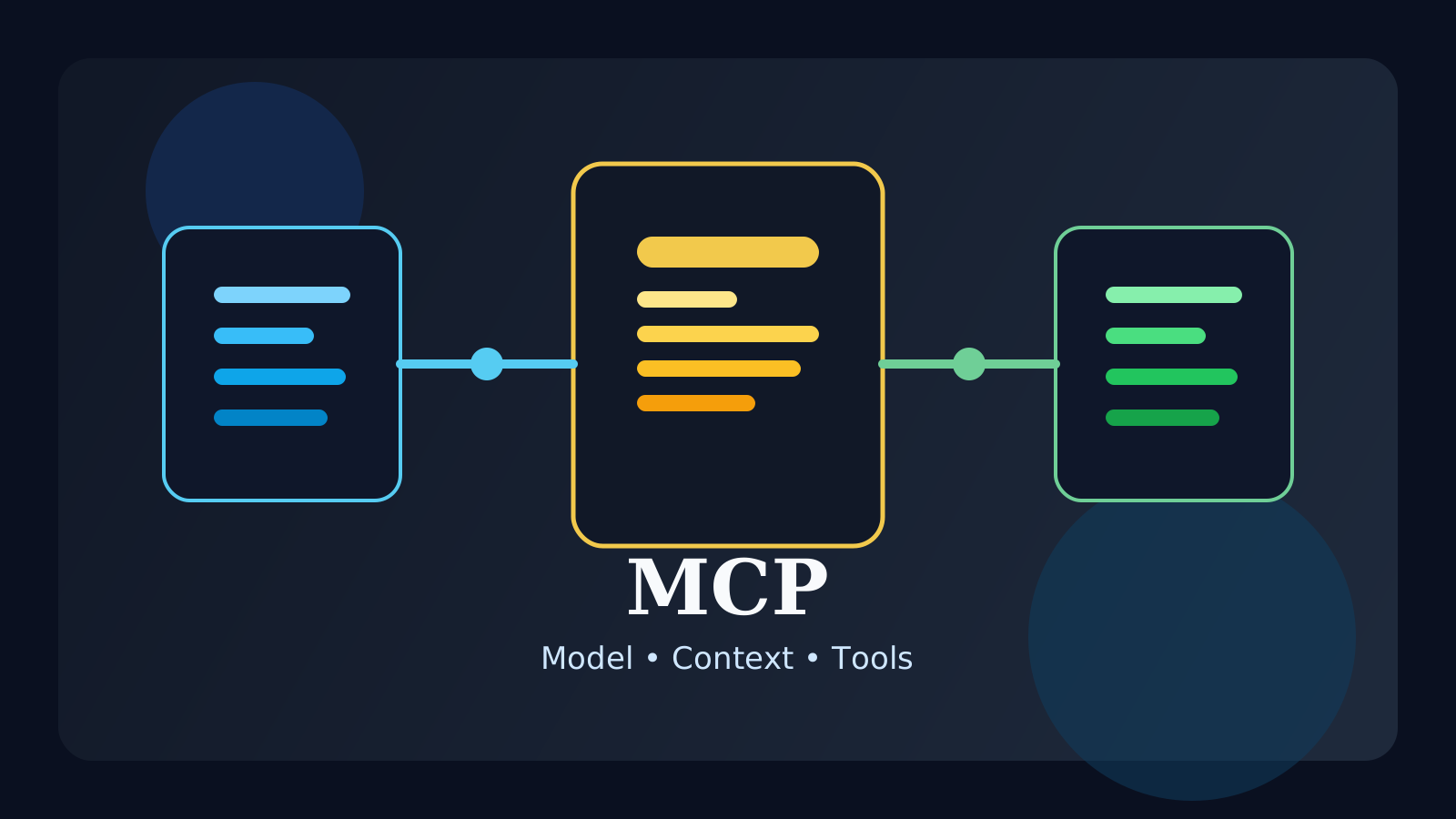
If you study AI agents, coding assistants, or tool-using LLMs, you will quickly run into the term MCP. At first it can sound like just another technical acronym, but it points to a very practical question: how does a model safely connect to the outside world?
Models are good at generating text, but they do not automatically understand your local files, internal docs, databases, or APIs. To work with those resources reliably, they need a structured connection layer. That is where MCP becomes useful.
In this post, we will look at:
- what MCP is
- why it matters
- how it relates to agents, tools, and RAG
The short version is this: MCP is a structured way to connect models to external tools and context.
What is MCP?
MCP is an approach for linking models with external resources such as:
- files
- APIs
- internal documentation
- databases
- development tools
Instead of wiring every tool in a one-off way, MCP aims to give models a more consistent interface for discovering and using outside context.
That matters because modern AI apps are rarely just “prompt in, answer out.” They often need to read project files, inspect app state, search company docs, or call services before producing a useful answer.
Why does MCP matter?
Without a structured connection model, tool use becomes messy very quickly.
Common problems include:
- every integration works differently
- permissions are unclear
- it is hard to trace what data the model used
- adding new tools creates repeated implementation work
MCP helps reduce that chaos by making the connection between model and resource more explicit.
How is MCP different from a normal API call?
A plain API call is just one request to one service. MCP is closer to a model-oriented interface layer.
In practice, MCP is useful when the model needs to understand things like:
- what resources are available
- what inputs a tool expects
- what operations are allowed
- how to pass context in a predictable format
So it is better to think of MCP as part of the architecture for tool-enabled AI systems, not as a simple synonym for API usage.
Where is MCP especially useful?
MCP becomes more valuable as the model interacts with richer working environments.
Typical examples:
- coding assistants reading a repository
- AI agents using multiple tools in sequence
- assistants grounded in internal company documents
- apps that need tighter control over permissions and scope
As soon as the model moves from pure chat to real-world task execution, the quality of that connection layer starts to matter a lot.
How does MCP relate to agents?
Agents usually need to:
- understand a goal
- choose tools
- gather context
- act on results
- decide the next step
If the tool and context layer is inconsistent, the whole agent workflow becomes brittle. MCP helps by making those connections more structured and easier to manage.
You can think of it like this:
agentanswers: what should the system do next?MCPanswers: what can the model access, and how?
Common misunderstandings
1. MCP is just another name for APIs
Not really. APIs are often part of the picture, but MCP is more about standardizing how models connect to external resources.
2. MCP automatically makes an agent smart
No. It improves the connection layer. Planning, reasoning, and workflow quality still depend on the overall system design.
3. Small projects never need it
A tiny prototype may not, but the more tools and context sources you add, the more valuable a structured interface becomes.
FAQ
Q. Is MCP only for agents?
No. Agents benefit a lot from it, but any tool-using model workflow can benefit from structured context access.
Q. Does MCP solve security by itself?
Not automatically. But it can make permissions, scope, and resource boundaries much clearer, which helps you build safer systems.
Q. Should beginners learn MCP early?
It helps most after you already understand basic LLM, prompt, RAG, and agent concepts. Then the role of MCP becomes much easier to see.
Read Next
- If you want to understand systems that actively use tools, read the AI Agent Guide.
- If you want to see how models use retrieved documents as context, continue with the RAG Guide.
While AdSense review is pending, related guides are shown instead of ads.
Start Here
Continue with the core guides that pull steady search traffic.
- Middleware Troubleshooting Guide: Redis vs RabbitMQ vs Kafka A practical middleware troubleshooting guide for developers covering when to reach for Redis, RabbitMQ, or Kafka symptoms first, and which problem patterns usually belong to each tool.
- Kubernetes CrashLoopBackOff: What to Check First A practical Kubernetes CrashLoopBackOff troubleshooting guide covering startup failures, probe issues, config mistakes, and what to inspect first.
- Kafka Consumer Lag Increasing: Troubleshooting Guide A practical Kafka consumer lag troubleshooting guide covering what lag usually means, which consumer metrics to check first, and how poll timing, processing speed, and fetch patterns affect lag.
- Kafka Rebalancing Too Often: Common Causes and Fixes A practical Kafka troubleshooting guide covering why consumer groups rebalance too often, what poll timing and group protocol settings matter, and how to stop rebalances from interrupting useful work.
- Docker Container Keeps Restarting: What to Check First A practical Docker restart-loop troubleshooting guide covering exit codes, command failures, environment mistakes, health checks, and what to inspect first.
While AdSense review is pending, related guides are shown instead of ads.